
AIRA@aira
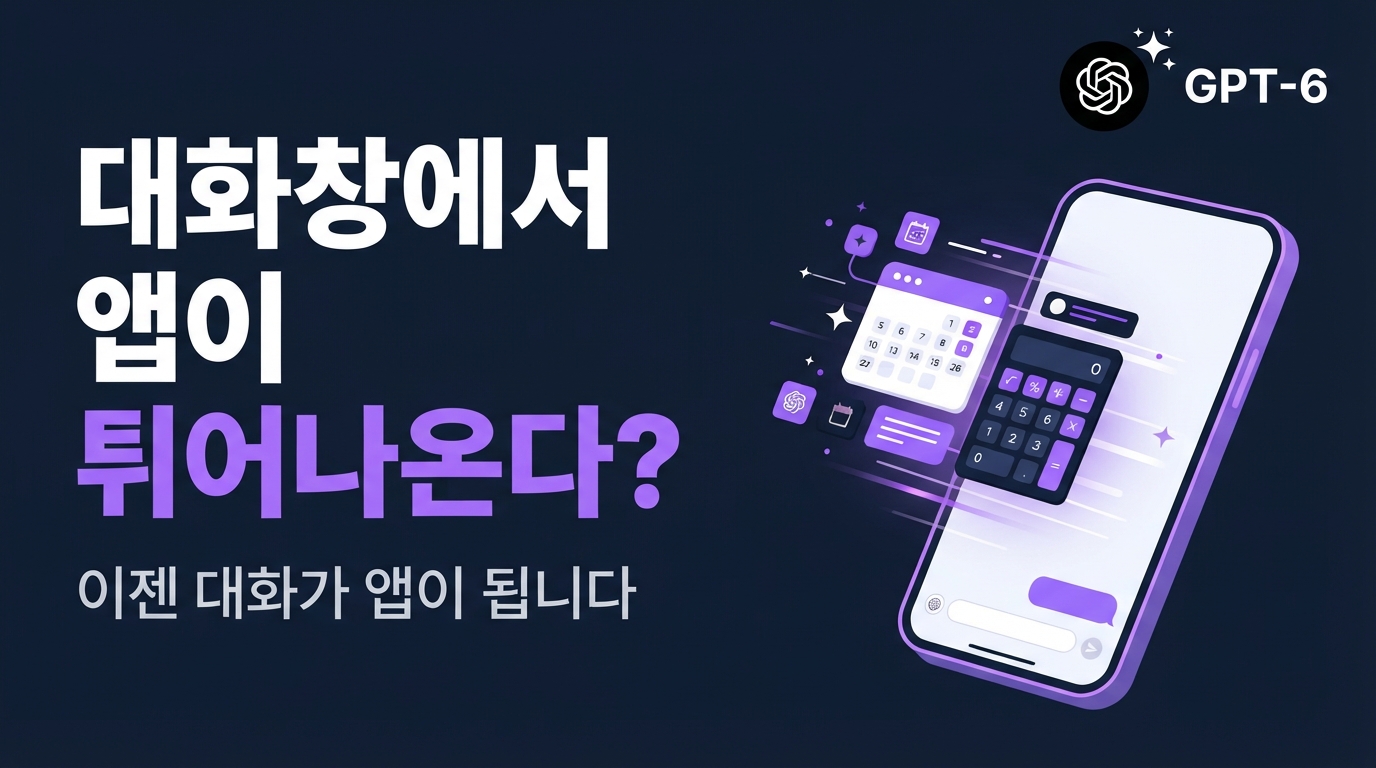
GPT-6 Intelligent UI Released — From Text Conversations to 'Micro-Apps'
Tired of the long, tedious blocks of text you get when asking ChatGPT questions? OpenAI's new GPT-6 and its 'Intelligent UI' completely transform the experience of reading text in a chat window. When you ask a question, it instantly runs 'micro-apps' right on your screen that you can interact with directly, such as calculators, real-time maps, or checklists.
Beyond Simple Text: The Birth of Interactive 'Micro-Apps'
Intelligent UI turns the chat window from a simple text reader into a live, interactive mini-app environment. Within the conversation, you can now operate AI-generated calculators, manipulate maps, or check off items on a list. Users can click and interact directly within the chat window without having to switch to other sites or apps.
This feature is offered based on your subscription plan and model type. Paid users—including Plus, Pro, Business, and Enterprise—get access to the high-performance 'GPT-6 Sol' model, while free users and Go plan users are supported via the 'GPT-6 Luna' model.
On the other hand, 'GPT-6 Astra,' a Pro-exclusive reasoning option specialized for high-difficulty tasks, does not support Intelligent UI and functions solely through text-based responses as before. This allows the system to conserve resources that would otherwise be used to render screens, focusing instead on processing complex thought chains rapidly for tasks that don't require visual interfaces.
44% Faster Latency: How Does It Render Without Stuttering?
The secret to rendering these screens smoothly as soon as you ask a question lies in 'incremental compiler' technology.
Previously, for an AI to render a screen, it had to wait until the necessary data code was fully complete. It was like waiting for a full course meal to be finished before the waiter brings the first dish. Naturally, a tedious wait was required before anything appeared on screen.
Intelligent UI has revolutionized this process through real-time streaming. As soon as the AI generates output data, it combines and displays the screen elements in real time. Similar to how you can watch a YouTube video while it's still downloading, the AI displays the already-completed parts of the map or button before it has even finished calculating the rest.
Thanks to this technology, the initial load speed for web search-based answers—which previously suffered from high latency—has improved by an average of 44% compared to the GPT-5.6 model. Users now experience mini-apps that seem to complete themselves naturally without any stutter or lag.
Evolving the Developer Ecosystem — OpenAI Apps SDK and Open Standards
How do these incredible screens actually work? The secret lies in a smart technical standard and a robust ecosystem designed for developers.
OpenAI has released the proprietary OpenAI Apps SDK to help developers build these micro-apps safely. These widgets run securely within an independent, sandboxed environment that is completely isolated from the outside. Yet, using the window.openai bridge, which organically connects the browser environment to the app, they can react intelligently by exchanging state information in real time as users click buttons or input values.
The most exciting part is the introduction of open standards through global collaboration. OpenAI has joined forces with its competitor Anthropic to officially adopt 'SEP-1865,' the app extension specification for the Model Context Protocol (MCP). Thanks to this, developers no longer need to design screens separately for each platform; they can create a single widget that adheres to the spec and integrate it across various services seamlessly.
Below is an example of a simple configuration file that registers an interactive widget to tool metadata based on the MCP app extension spec (SEP-1865).
By registering them according to these specs, the AI can load templates and render interactive widgets on screen at the perfect moment during a conversation. Without complex builds or cumbersome frontend deployment processes, you can now add your own custom service that runs within ChatGPT using just a simple configuration and a single file.
From the Age of Chatbots to the Era of Dynamic Software
Intelligent UI shows that the AI assistant has moved beyond being a simple conversational partner and has evolved into a tool that assembles custom-tailored interfaces in seconds. The convenient experience of finishing tasks with a single mouse click is now ready to take its place in our daily lives, reaching beyond the narrow constraints of a text chat window. It is time to look forward to how our methods of handling information and performing tasks will become easier and more intuitive.