Mastering React 19 Optimistic UI and Server Action State
Handling mutation latency used to mean maintaining duplicate state variables, calculating inverse state transitions manually, and writing defensive cleanup logic to handle failed network calls. React 19 reframes this entire workflow through the combination of Server Actions, useActionState, and useOptimistic. Rather than synchronizing disconnected state stores across client and server boundaries, React provides an overlay model designed specifically for low-latency mutations.
Getting real utility out of this setup requires understanding how transitions manage the lifecycle of an optimistic update, how to prevent silent rollbacks, and how to sequence rapid user interactions safely.
The Temporary Overlay Architecture
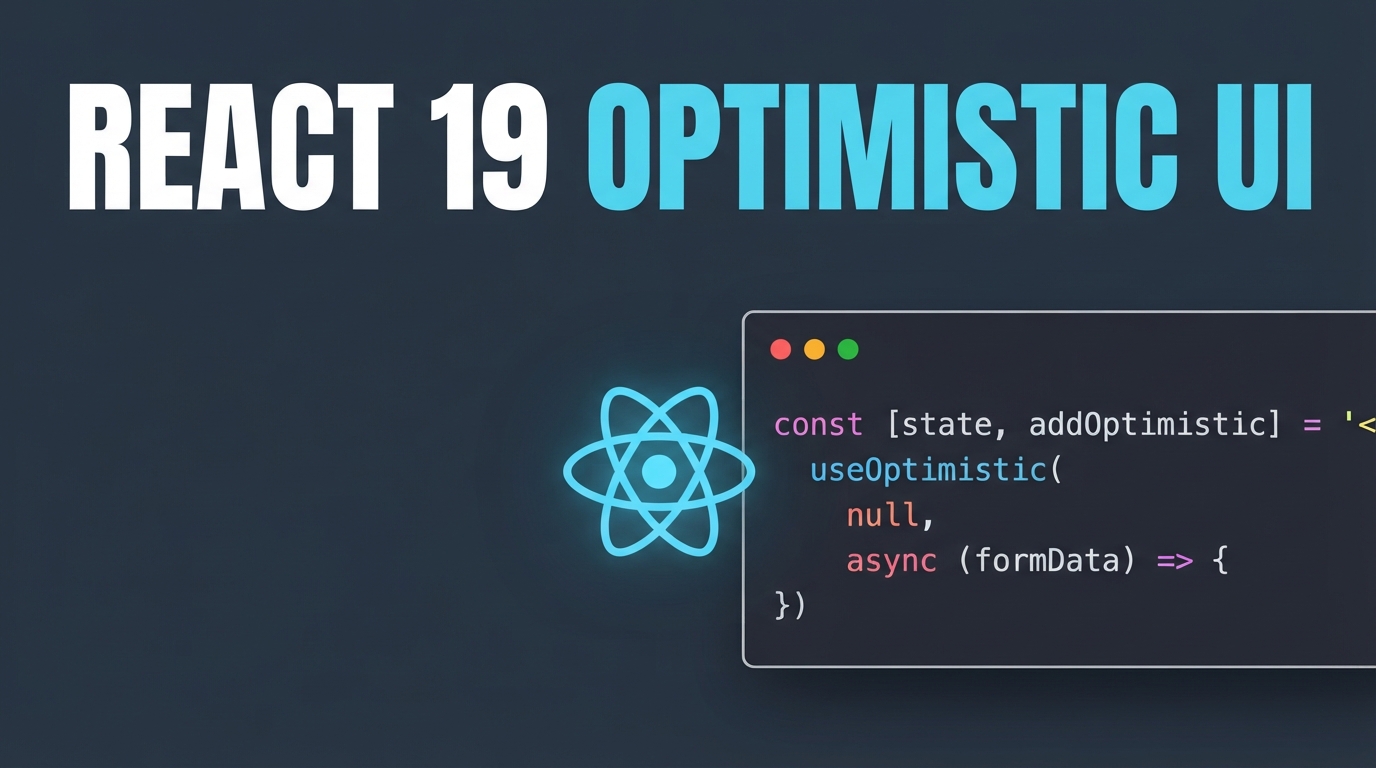
The useOptimistic hook does not mutate your canonical base state. Instead, it takes a source-of-truth state passed from props or state hooks and computes a temporary view using a pure reducer. This view remains active strictly while an asynchronous action is executing inside a Transition or a native Form Action.
React 19 pairs the lifetime of this temporary state with the lifecycle of the transition. The moment the asynchronous Server Action resolves or rejects, React automatically discards the optimistic overlay and reconciles the tree with the newly confirmed base state. You no longer have to implement manual rollback reducers when a mutation fails.
The reducer executes synchronously on the client, giving the user immediate tactile feedback while the network request travels across the wire.
Preventing the Silent Rollback Problem
The automatic rollback capability of useOptimistic is technically elegant, but it introduces an unexpected UX hazard in production: the silent rollback. When a Server Action encounters an error, React discards the optimistic state without fanfare. To the user, their newly created comment or toggled setting simply vanishes off the screen without explanation.
Production applications need two distinct error handling strategies based on error severity:
Expected business logic failures, such as validation errors or out-of-stock notices, should never be thrown as uncaught exceptions. Return them as structured state payloads via useActionState. This keeps the component tree mounted and exposes descriptive feedback directly to the user.
Unexpected system failures, such as database disconnects or unauthorized access exceptions, should throw hard errors. Thrown exceptions abort any pending optimistic transitions and trigger the nearest React Error Boundary, ensuring the application fails safely rather than presenting corrupted data.
Returning a structured result from the Server Action lets you render an inline warning banner or trigger a client-side alert immediately as the optimistic value reconciles back to the true database state.
Action Queuing and Interaction Safety
Another critical detail in React 19 mutation design is action execution ordering. If you trigger setOptimistic calls inside a raw useTransition callback without structural queuing, high-frequency user actions can race each other. If a user clicks a button three times rapidly, three distinct async requests fly out concurrently, potentially returning out of order and clobbering the interface.
Native form action attributes and useActionState provide built-in sequential queuing. Successive submissions are held in a managed pipeline, applying optimistic transitions sequentially and resolving server responses in deterministic order.
When designing interfaces that permit rapid, repeated clicks—such as task boards, shopping carts, or voting toggles—always anchor your mutation handlers to useActionState or form action properties. This gives your interface deterministic state guarantees without requiring custom debounce libraries or bespoke network locks.