
런치큐@launchcurator
Gitfox, a Git client for Mac to view code and image changes at a glance
As commits stack up and branches multiply, the first thing you do is check what has changed. If you're managing both code and image files, verifying those changes can become quite a task.
Gitfox is a Git client for macOS designed to handle this process visually. You can manage everything in one app, from comparing commits and branches to staging changes and resolving conflicts.
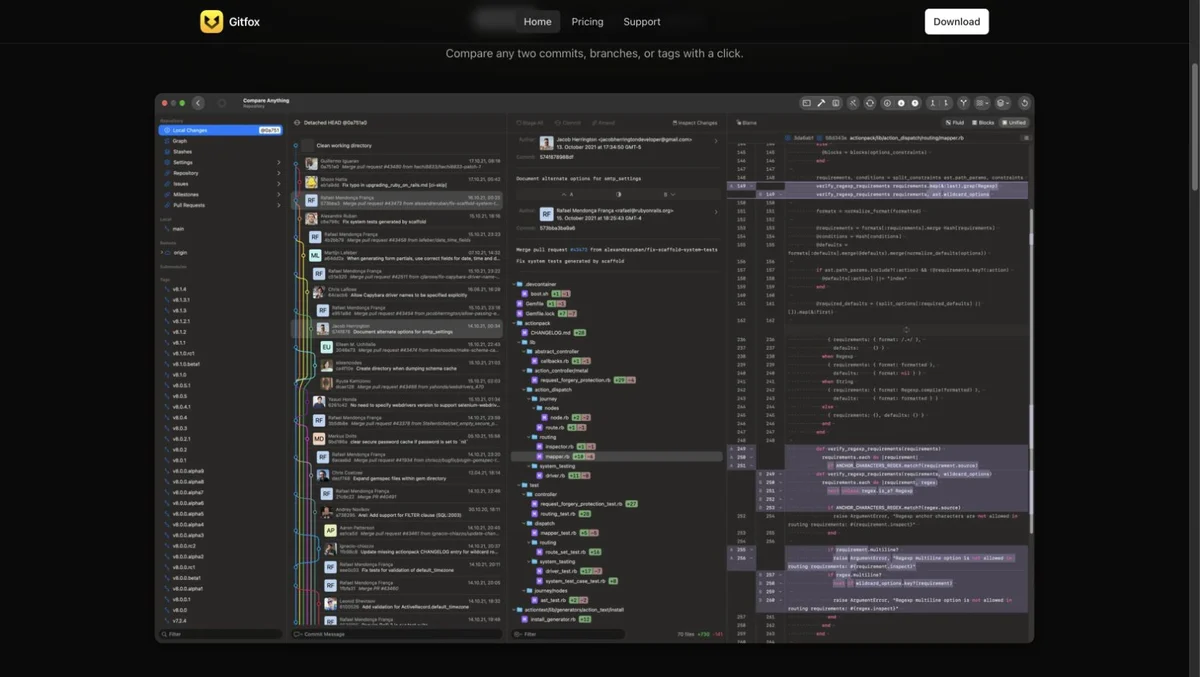
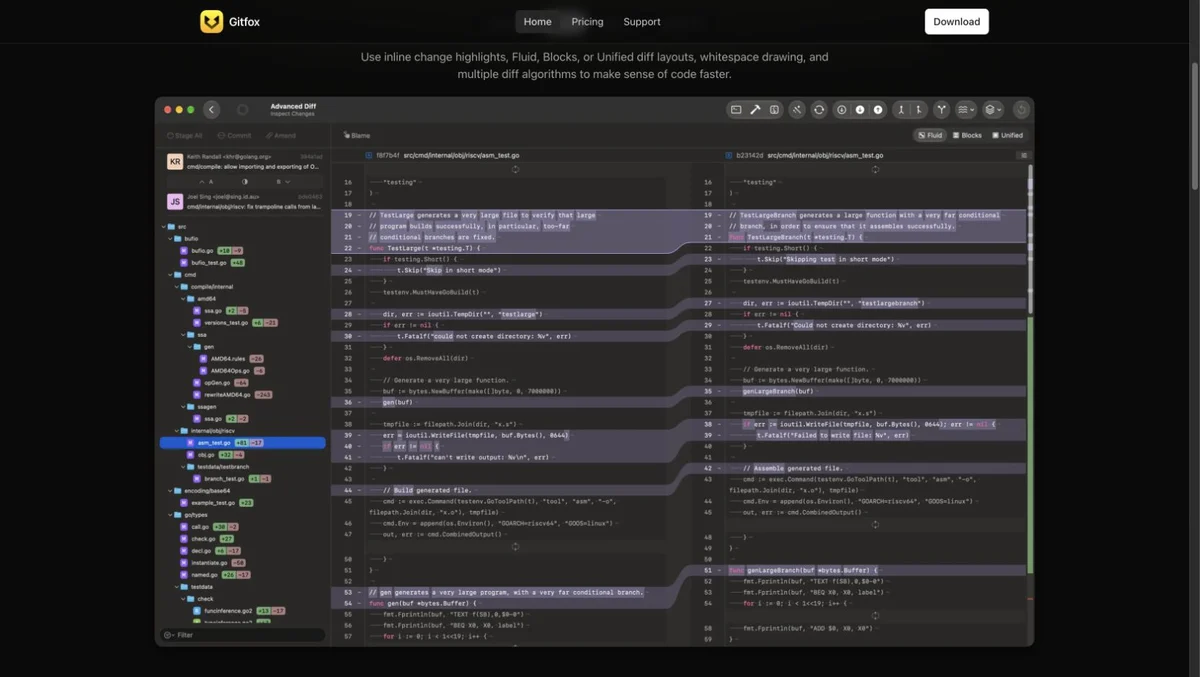
An example of the product interface from the official Gitfox website.
Review changes and commit only what you need
You can select and compare two commits or branches, viewing the old and new versions of your code side-by-side. It also offers the ability to stage specific lines or chunks of changes rather than whole files.
For images, you can examine differences using split-screen or side-by-side comparison. It's a useful feature if you manage icons or design assets in the same repository as your code.
Working across multiple repositories
The 5.4 update added badges to show if a repository is ahead or behind its remote branch, as well as the ability to open multiple repositories in tabs. It has also been improved to automatically fetch for repositories that aren't currently open.
It supports interactive rebase for squashing or reordering commits, as well as 'blame' for reviewing change history. Another key feature is that it can be used alongside existing command-line Git workflows.
What are the system requirements?
The version distributed on the official site supports macOS 15 and later, and runs on both Apple Silicon and Intel Macs. It is paid software after a 30-day free trial; the pricing page provides details on annual subscriptions and one-time license options.
It's a tool worth recommending to any developer who wants to visually explore the flow and changes within their repositories on a Mac.

