
Horu@horuweb3
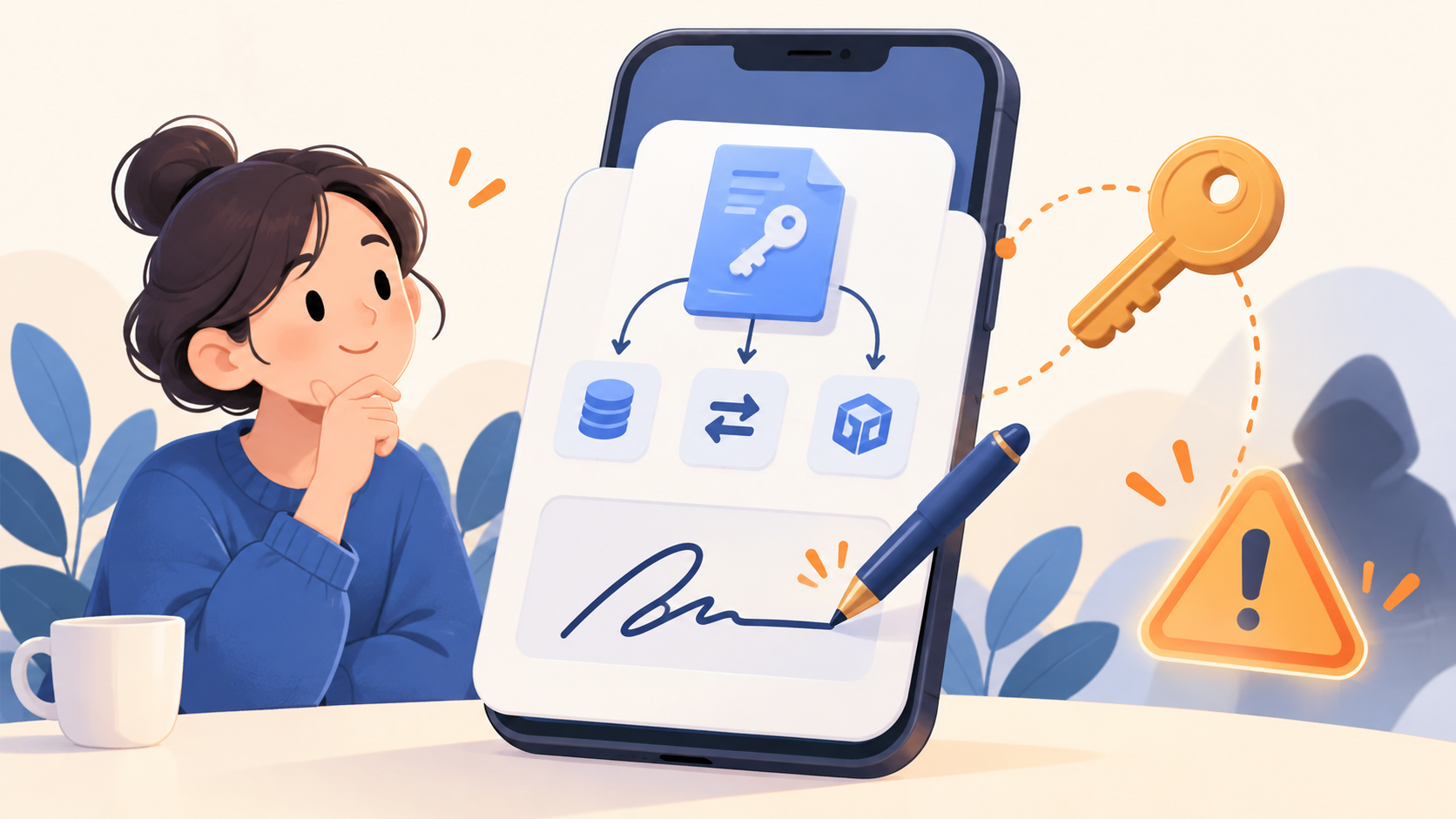
Can my assets be drained just by signing?
While browsing a new service, I clicked the 'Connect Wallet' button. The wallet opened and requested a signature. You might think of this as just a process to verify that you are the owner of the wallet, similar to a password.
However, just because a signature screen appears doesn't mean you are agreeing to the same thing every time. Some signatures are for logging in, while others can grant the right to use your tokens.
A signature is a form of consent
Wallet signatures are a way to prove that 'I have approved this request.' There are signatures used simply to verify that you are the user of a wallet address, similar to signing in with Ethereum.
On the other hand, when swapping coins or trading NFTs, you may encounter requests that grant a service permission to use specific tokens. Even if the signature window looks the same on the surface, the content inside can be quite different.
But I didn't pay any gas fees when I signed?
This is where it can get confusing. Some signatures do not record a transaction on the blockchain the moment you sign, which is why you may not be charged any gas fees at that time.
That doesn't mean it's a signature that can't be used for anything. For example, if you sign a request that allows token usage, the recipient can submit that signature later to exercise their rights or move your assets. MetaMask's guide on signature phishing also explains that you should be careful about this.
Some scam sites disguise their requests as part of a login or reward-claiming process while actually asking for permissions they shouldn't. This is why you shouldn't assume you're safe just because your balance remains unchanged right after you sign.
What should you check before signing?
First, verify that the website you're visiting is the official site you intended to use. Also, check if the request displayed in your wallet matches the action you are currently trying to take. If you're just trying to log in but see requests for token spending limits or permissions, you should pause.
If a request grants permission, it is best to check which token is involved, who it's being granted to, and how much is allowed. See if it's an unlimited allowance or if there are expiration conditions. If you don't understand the content or the source seems unfamiliar, it's safer to cancel the signature and check the official documentation again.
What if I've already signed a suspicious request?
If possible, move your remaining assets to a secure new wallet immediately, and check the token approval list for that network to revoke any unnecessary permissions. Simply disconnecting the service doesn't mean your token allowances are automatically cleared.
Note that signatures that haven't been submitted to the blockchain yet may not appear in your standard approval list. The process for canceling also varies depending on the type of signature, so don't feel relieved just because the list looks empty. Please check the official guidance provided by your wallet provider. Never share your recovery phrase or private key with anyone who reaches out first offering to help you recover your assets.
Signing is a common feature when using a wallet. Before you click that button, try to take a moment to ask yourself, 'Does this request align with what I am trying to do?'