
Horu@horuweb3
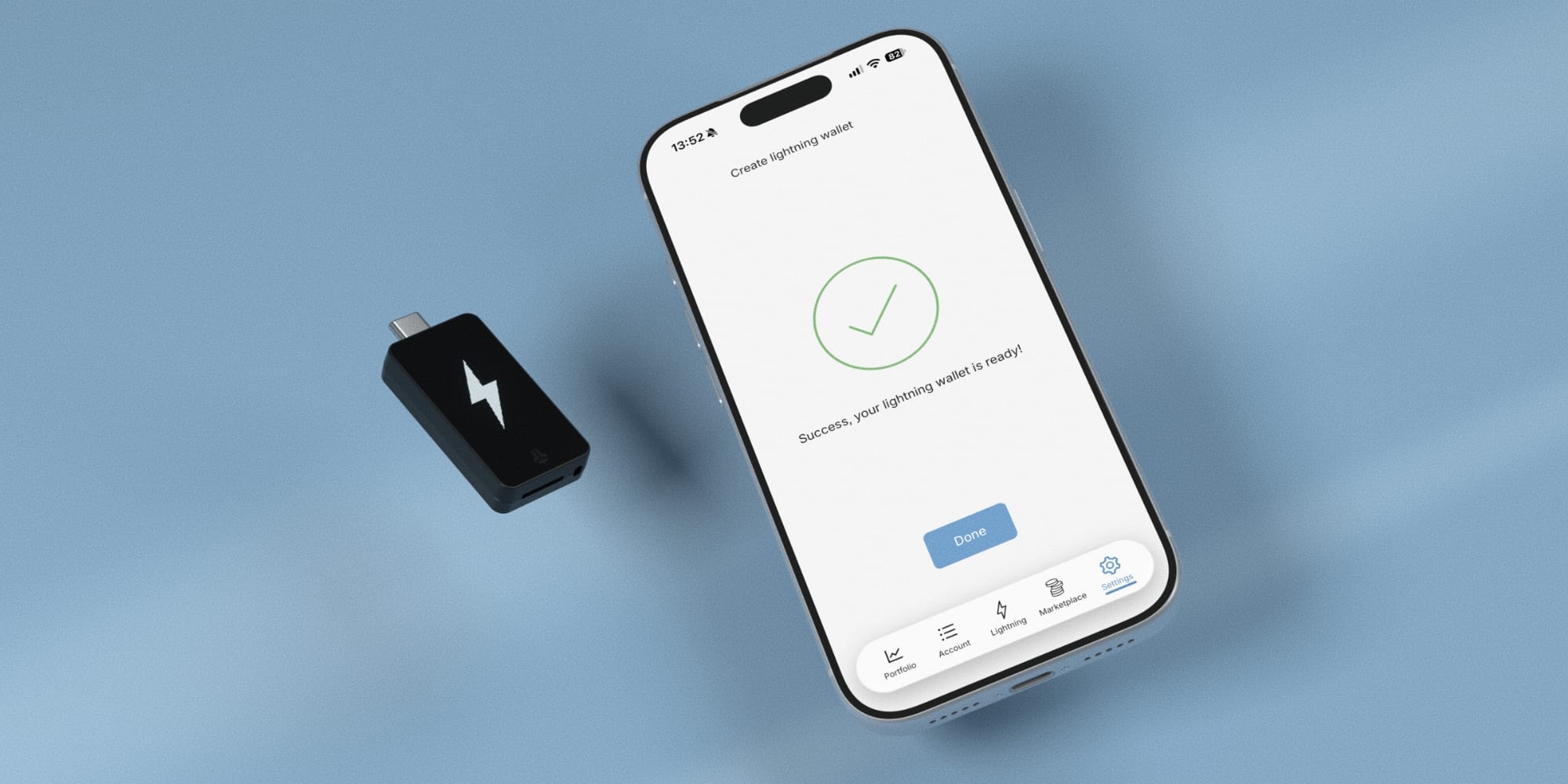
BitBox Lightning Wallet: Can you use a hardware wallet for Bitcoin payments?
Hardware wallets are typically seen as devices for long-term Bitcoin storage. However, having to take out and connect your device every time you want to buy a cup of coffee feels a bit cumbersome.
The Lightning wallet that BitBox has integrated into its mobile app is an attempt to manage both in one place. The approach involves keeping long-term Bitcoin holdings on the hardware wallet and moving only what you need for daily spending into a separate payment wallet. This feature was released in September 2026 and is currently available as a public beta.
First, what is a Lightning payment?
The Lightning Network is a network built to allow payments to be made off the Bitcoin blockchain. Since you don't have to wait for new Bitcoin blocks to be created for every transaction, it's ideal for sending and receiving small amounts.
In the BitBoxApp, you create a separate Lightning wallet within the mobile app. You can fund it by moving Bitcoin from your existing on-chain wallet or receive funds from other Lightning wallets. When making a payment, you simply scan the recipient's Lightning invoice and confirm it in the app.
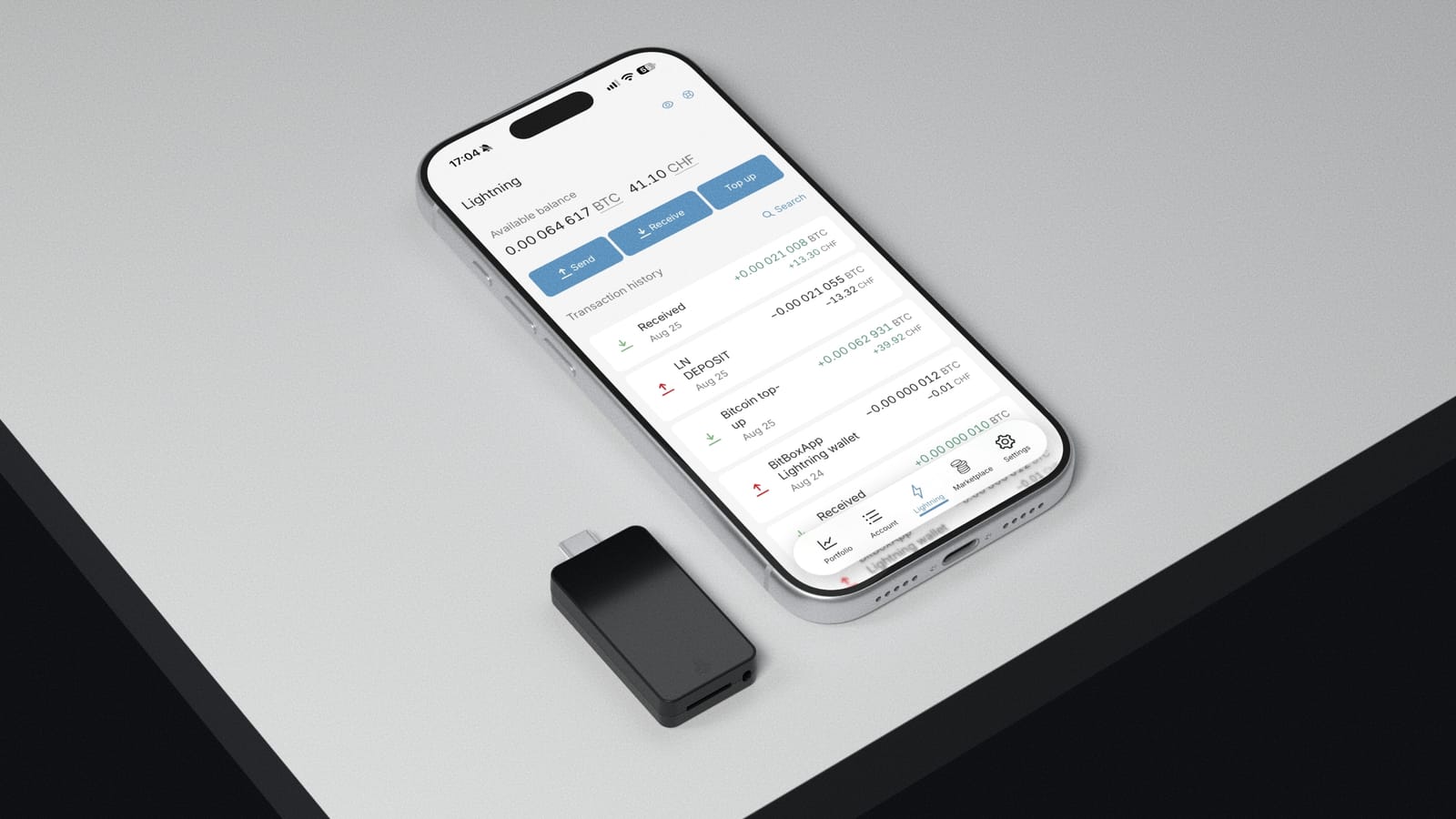
Even if they appear in the same app, the keys are in different places
This is the most important part. BitBox's on-chain wallet protects the keys needed to spend assets inside the hardware device, and transactions are confirmed on the device itself.
On the other hand, the payment keys for the Lightning wallet are managed by the BitBoxApp on your phone. This means you can pay without connecting your BitBox device whenever you go out, but your phone's security becomes critical for your spending balance. Just because both balances appear in the same app, it doesn't mean they share the same protection.
When you first move funds from your hardware wallet to the Lightning wallet, you must confirm the transaction on the device. Moving funds into and back out to the on-chain wallet may incur Bitcoin network fees and confirmation times.
As convenient as it is, you should also look at what it relies on
BitBox uses Breez SDK and Spark to handle Lightning payments. This is designed so that users don't have to manage their own Lightning nodes or payment channels directly.
However, even if you manage your own payment keys, there is still a reliance on the cooperation and service of Spark operators. BitBox support documentation states that the current app does not support a feature to force an on-chain withdrawal on your own if the necessary Spark infrastructure is not functioning.
While you can recreate the Lightning wallet keys using your existing BitBox backup, not all data required for recovery is contained within that backup. It's important to remember that the Spark service may be necessary during the recovery process.
Who is this suitable for?
For BitBox users who store Bitcoin long-term and occasionally want to send small amounts via Lightning, the ability to manage balances in one app seems convenient. On the other hand, you should be aware that it's a payment wallet managed on your phone, and as it is still in beta, there may be bugs or service issues.
BitBox also advises keeping only small spending balances in the Lightning wallet, while keeping large amounts or long-term holdings in the on-chain hardware wallet. It is available only on mobile apps; iPhone and iPad users require a BitBox02 Nova. Android users can use an existing BitBox02 or Nova after checking device requirements.
It's easier if you think of it as a home safe versus the wallet you carry around. Even though they are in the same app, the keys to spend the money and what you need in case of trouble are different.