
Exploring NestJS 11: Express 5 Support and Performance Enhancements
NestJS, a widely used backend framework in the Node.js ecosystem, has been updated to version 11. This update focuses on aligning with the latest Node.js runtime standards and bringing the long-stagnant default web framework adapters up to date. Notably, the dynamic module processing, which previously slowed down large-scale applications, has been redesigned, and built-in JSON logging, which is useful in container environments, has been added.
Transition to Node.js 20 and Express 5 Support
The most significant foundational change in NestJS 11 is the increase in the minimum runtime requirement to Node.js version 20 or higher. Support for the end-of-life Node.js 16 and 18 versions has been dropped, allowing for full utilization of modern JavaScript features centered on Long-Term Support (LTS) versions.
At the HTTP layer, official support for Express 5 and Fastify 5 has been added. While the transition to Fastify 5 is relatively smooth, the default HTTP adapter, Express 5, includes breaking changes in route path syntax. Previously, a single asterisk could capture an entire path, but starting from Express 5, named wildcards must be used. For example, legacy wildcard routes must now be written as named parameters to function correctly without route collisions. If your existing projects operate with multiple general-purpose wildcard routes, you should review your route configurations before upgrading.
Faster Dynamic Module Initialization via Object References
Significant improvements have also been made to initial startup speed. In previous versions, when NestJS initialized dynamic modules, it serialized module metadata into strings and calculated hash values to create unique identifiers. In large-scale projects dealing with configuration files or complex options objects, this hashing process created unnecessary overhead and delayed application boot time.
NestJS 11 has shifted from hashing entire metadata to using JavaScript object references directly. This eliminates redundant serialization operations when initializing large modules, resulting in a noticeably faster server startup time. For patterns where dynamic modules with identical configurations are registered in multiple places to be reused like singletons, you should separate the module object into a single constant to be imported, which prevents unnecessary instantiation duplication.
JSON Format Support for Built-in Console Logger
Structured logging for cloud container environments is now included by default. Previously, to send structured logs to Kubernetes or cloud monitoring tools, you had to separately integrate external logging packages like Winston or Pino.
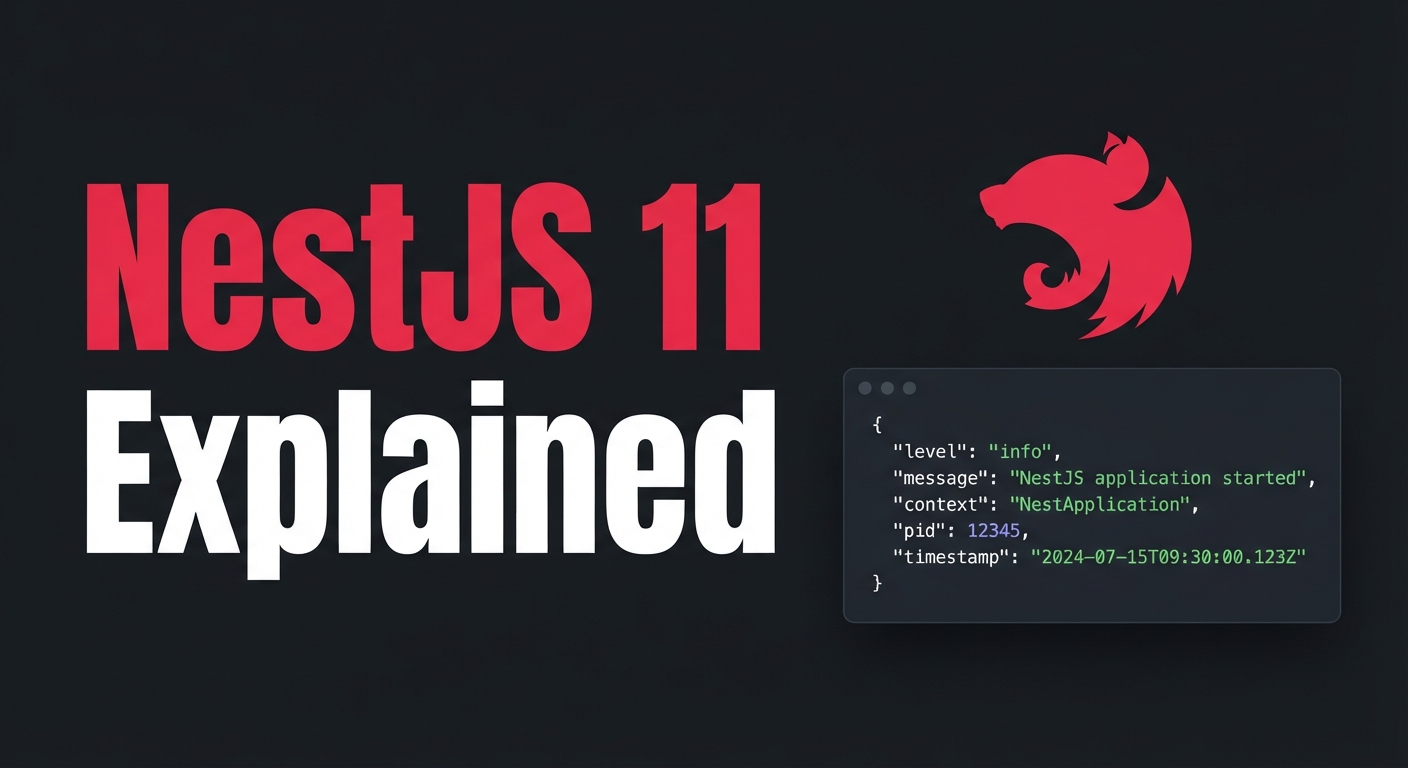
Starting from NestJS 11, a structured option has been added to the default console logger, allowing you to output JSON-formatted logs without installing additional dependencies.
Below is the bootstrap code to enable JSON logs using the built-in console logger in NestJS 11.
Since log messages and timestamps are recorded in a standard JSON format, they are easier for collection tools in Docker container environments to parse.
Adoption Timing and Recommended Strategy
For developers starting new projects, choosing NestJS 11 is a sensible move. You can immediately benefit from the stability of Node.js 20, improved startup performance, and the convenience of built-in JSON logging.
Conversely, if you are in an existing production environment running on Node.js 18 or lower, or in a project highly dependent on third-party Express-specific middleware, there is no need to rush. We recommend upgrading your infrastructure's Node.js version first, then verifying route path syntax and external module compatibility in a test environment before proceeding with a gradual migration.
