
런치큐@launchcurator
HeyForm, a form builder that changes questions based on responses
When creating event registration forms, you often end up showing beginners and experienced users the same long list of questions. By branching the next question based on previous answers, you can ask only what is relevant.
HeyForm is an open-source form builder that creates conversational surveys and applications. It provides various input types, such as text, picture selection, dates, and file uploads, along with conditional question flows.
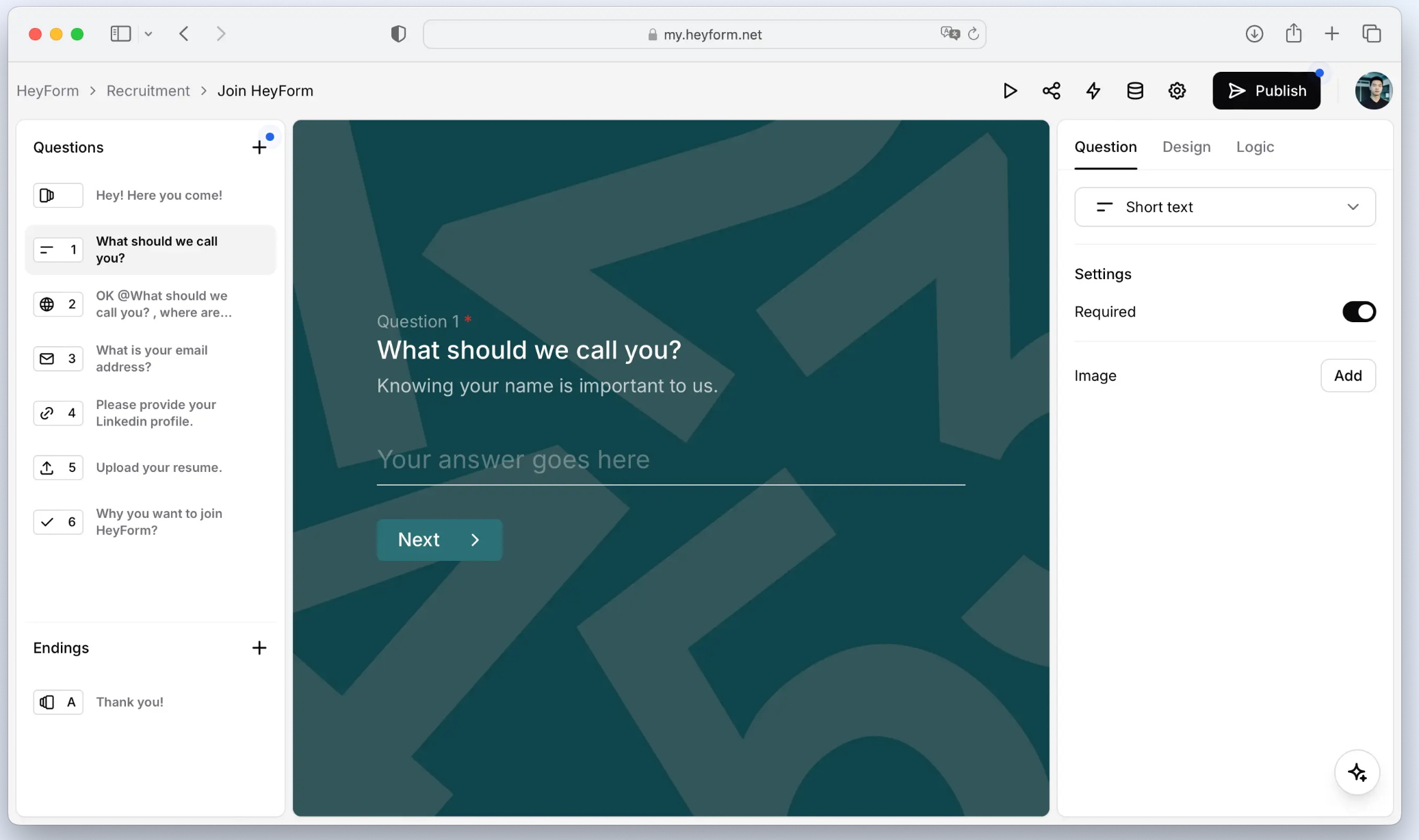
Tailoring questions to responses
For example, in a workshop registration form, you can structure the flow to ask beginners about their areas of interest while asking experienced users which tools they have worked with. You can also customize the final confirmation message or redirect page based on their answers.
You can start from templates, customize fonts and colors, and export responses as CSV files. It also offers analysis features to check completion and drop-off rates.
Cloud vs. self-hosting
You can choose between the official cloud service or self-hosting on your own server. The code is released under AGPL-3.0, and self-hosting requires you to handle server management and updates yourself. Be sure to check the cloud pricing and feature availability separately.
Version 3.0.6, released on November 1st, includes a progress indicator matched to actual question paths and fixes related to file attachment submissions. It is worth checking out if you have cases like event registrations or product feedback where you need to ask different questions for each respondent.