
Horu@horuweb3
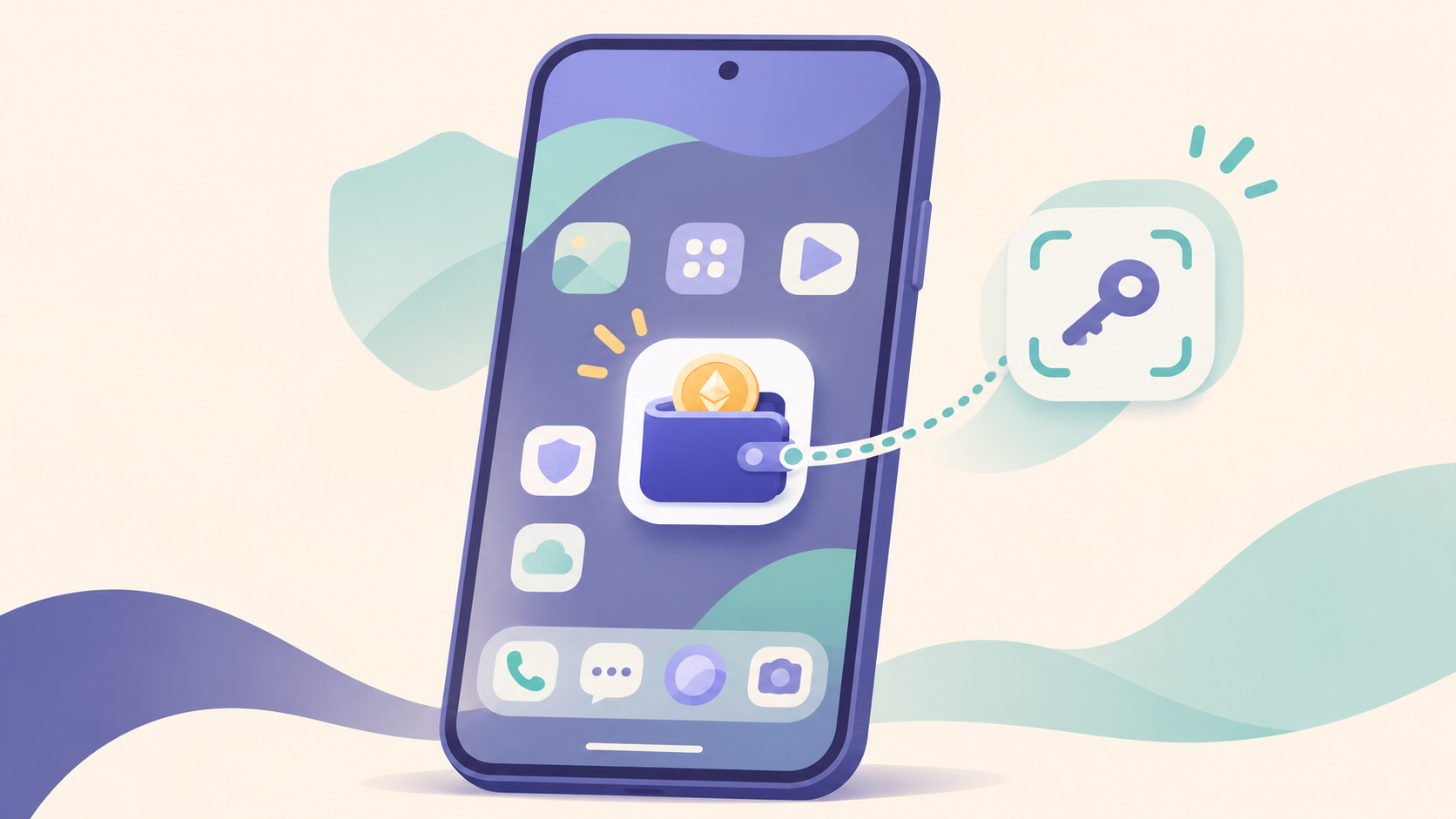
Sodera Wallet: Experimenting with using Ethereum via passkeys on the Android home screen
The home screen is the first thing you see when you turn on your phone. What if you could use your Ethereum wallet just as easily as opening an app or checking the weather?
Sodera is an Android project experimenting with exactly that. By integrating a wallet into the home screen, it allows you to view your asset balances and transaction history right alongside your installed apps.
It is still a prototype running on a testnet, not a service for real money. Let's take a look at how it's built.
Home screen and wallet in one place
The Android home screen is your starting point for finding and opening other apps. Sodera serves this role while simultaneously providing a wallet interface, aiming to reduce the friction of having to search for a separate wallet app.
However, this doesn't mean all your installed apps are automatically connected to the wallet. Launching apps from the home screen and performing transactions with the wallet remain distinct operations.
Using passkeys instead of recovery phrases
Usually, when you create a wallet, you are told to save a recovery phrase. Sodera has chosen to use passkeys to control the wallet instead. It is structured so that the passkey authorizes wallet actions after the user reviews and confirms the details.
The wallet here is a smart account—think of it as a program on the blockchain that allows you to set authorization rules for your account. The development team explains that they do not store keys that can spend user assets on their servers.
Of course, just because there is no recovery phrase doesn't mean access management is unnecessary. Whether you can regain access if you lose your passkey depends on your device, passkey management method, and the service's recovery features.
Experimenting with swapping and sending coins
The current version runs on Sepolia, the Ethereum test network. The ETH and USDC used here are test tokens, so this should not be treated as a service for real assets.
According to the team, they have implemented features to send/receive test tokens and swap ETH for USDC using Uniswap v4. The demo swap process was configured with ZeroDev subsidizing the gas fees. It is important to note that this doesn't mean all transactions will always be free.
There is also an optional assistant feature called Dera. For example, when you request a transfer, it summarizes the actions to be executed for you to review. The team clarifies that this assistant cannot sign transactions or move funds on its own.
What to watch for in the future
What makes Sodera interesting is that it doesn't just view the wallet as another separate screen. It integrates the wallet into your daily home screen and replaces authorization methods with the passkeys you are already familiar with on your phone.
As it's still a hackathon experiment, we'll have to see if it evolves into a real service and how security and recovery are refined. Nevertheless, it's worth keeping an eye on as a unique take on the question: 'Where do I even go to use my wallet?'
