
런치큐@launchcurator
Stirling PDF, a tool to finish PDF organization on your own computer and server
When you need to merge two PDFs or extract a few pages, you often end up searching for different sites for each task. If it's a contract or internal document, you also have to worry about where you are uploading the file.
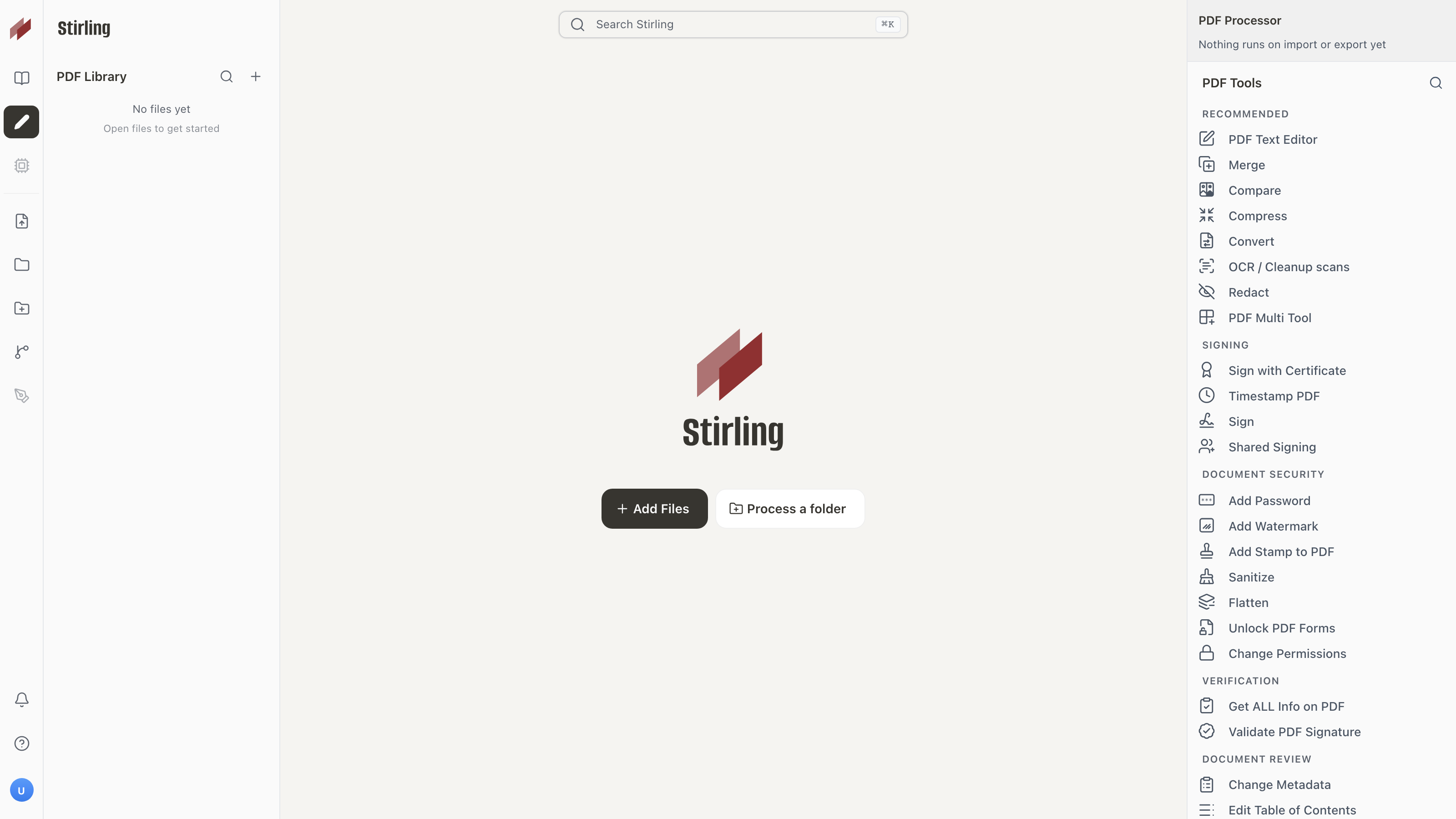
Stirling PDF is a project that brings together PDF tasks like merging, splitting, converting, compressing, and OCR. It offers a desktop app, a browser-based interface, and supports self-hosting on your own server.
From single documents to repetitive tasks
You can use it to combine scattered materials into one, split out necessary pages, or reduce file sizes. It also includes OCR for reading text from scanned documents and features for redacting sensitive information. It is best to verify the recognition results or redacted areas against the original.
If you perform the same task frequently, you can build pipelines that connect multiple steps. Developers can also integrate it into existing document processing workflows via an API.
Choosing where to process
The advantage of the self-hosted method is that you can define the environment where documents are processed. However, using the web interface does not strictly mean it is always processed locally on your device. For corporate materials, you should check who manages the server you are connecting to and verify any external integration settings.
Currently, the official free tier for individuals covers over 60 PDF tools and offers web, desktop, and self-hosted options. Features like SSO and team management are in separate plans, and there are usage limits on automation credits. The public repository also follows an open-core structure where separate licenses apply to certain components.
If you frequently compile materials or organize scanned documents, it is worth checking out. The criterion for selection should be whether it can streamline your common tasks into a single flow, rather than just the raw number of features.
