런치큐@launchcurator
Homotope: Turn your PNG logos into editable SVGs
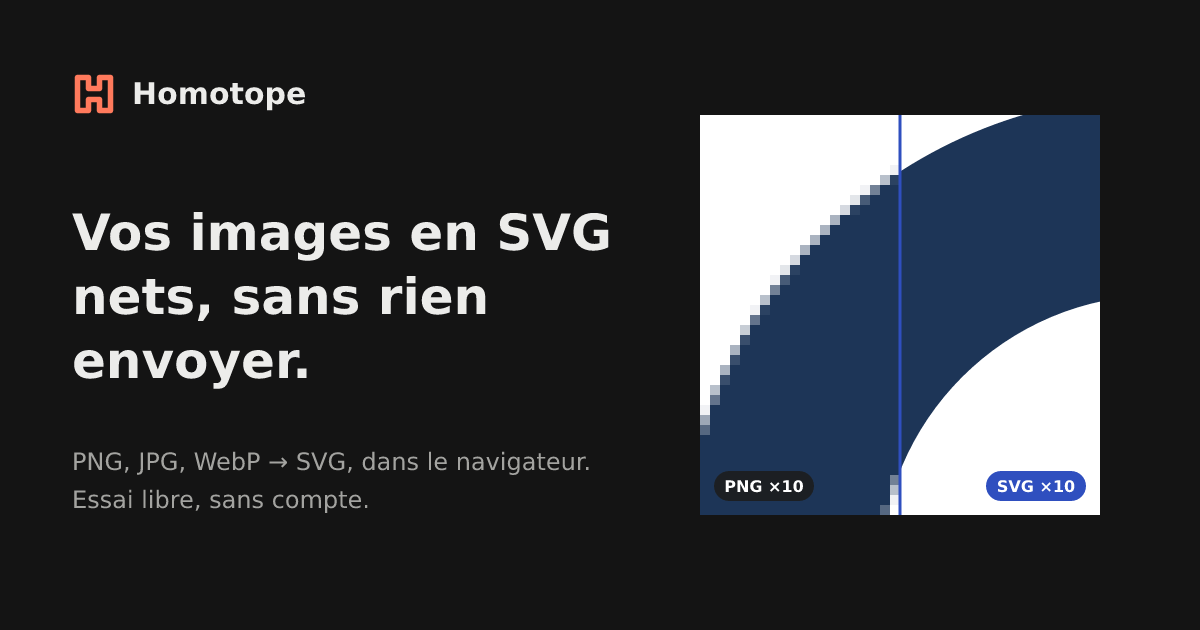
There are times when you need to put a large logo on an event poster, but all you have is a small JPG file. Upscaling it makes the text and edges blurry, and redrawing it is too much work. Homotope is a tool that converts these PNG, JPG, and WebP images into SVG directly in your browser.
Redrawing shapes instead of scaling pixels
SVG stores images as shapes made of points and curves. Homotope groups areas of similar color from your original image and builds these shapes along the boundaries. You can choose presets that preserve fewer colors and sharp edges for logos, or presets that retain more colors for color illustrations. There is even a separate option for pixel art that keeps pixels as squares instead of smoothing out the jagged edges.
Compare original and result side-by-side
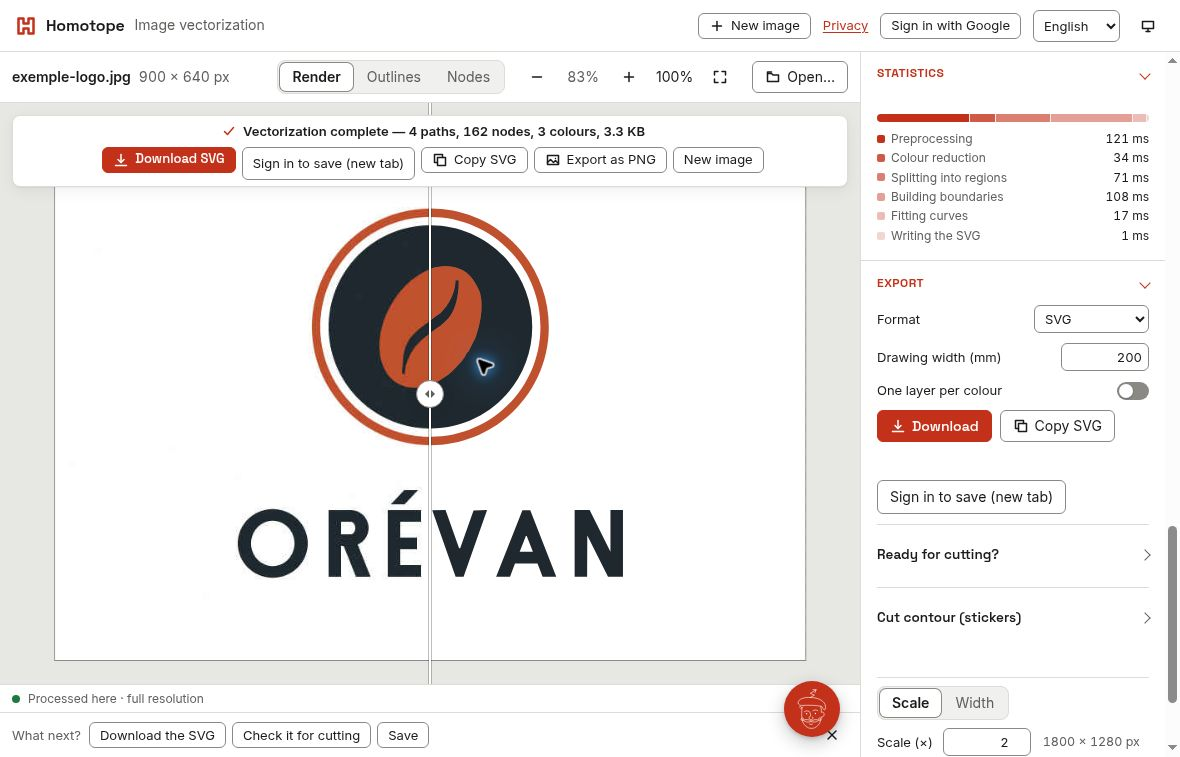
The attached screen shows a conversion of a basic logo example from the workspace. By moving the central handle, you can compare the original JPG on the left and the resulting SVG on the right in the same position. In this example, a 900×640px JPG was converted to a 3-color SVG of about 3.3KB. Check if small text or negative spaces inside the logo have been preserved well, and if any fine-tuning is needed, you can simply open the SVG in Figma or Inkscape to edit it.
Great for logos and icons
It works particularly well for logos, icons, and sticker drafts with fewer colors and clear boundaries. Conversely, if you need to preserve the subtle textures or shading of a photograph, it is better to use the original image, as the vectorization process may merge similar colors and fine details.
The basic workspace is available without login, and conversions are processed in your browser. Saving to an account or using server-side processing features is separate. Try checking the before-and-after differences with the examples on the official site, and apply it to the logos or icons that need to be in SVG format.