
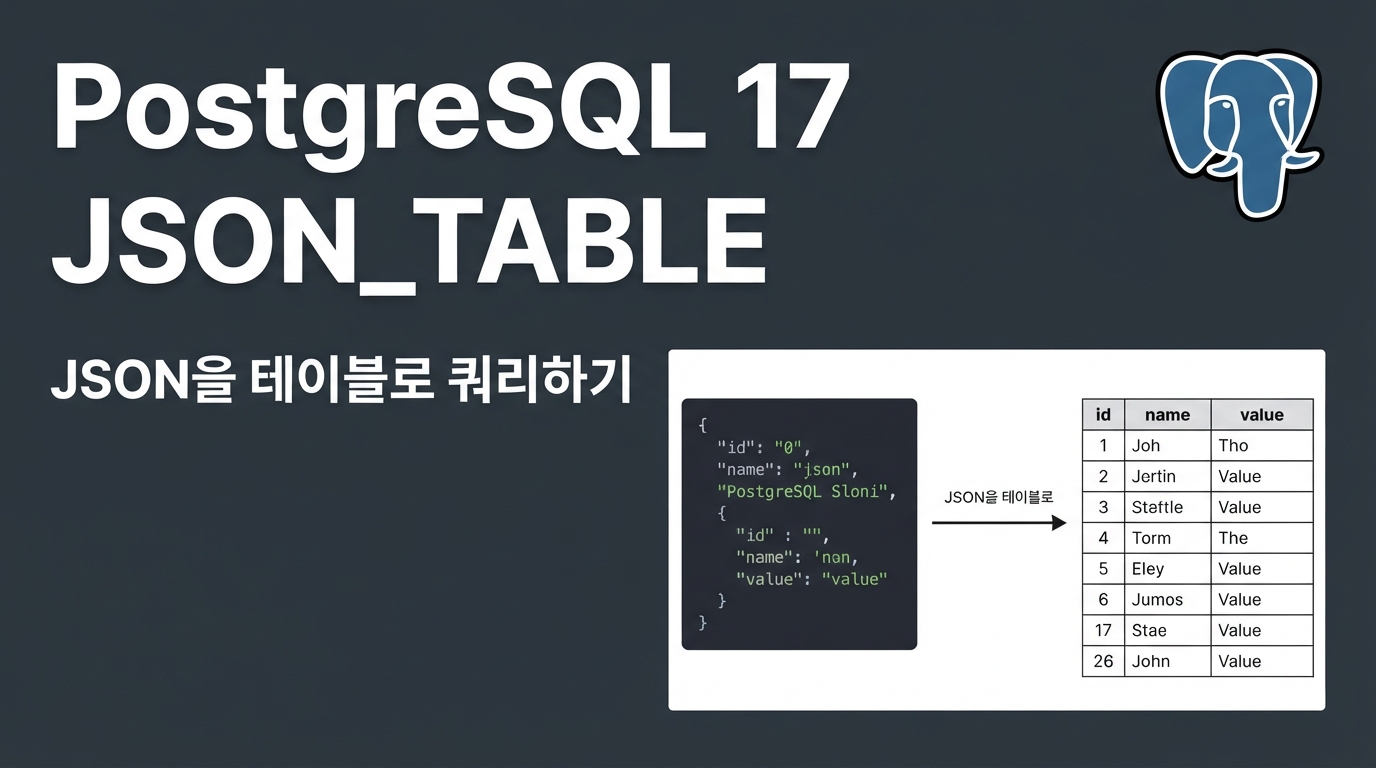
JSON_TABLE in PostgreSQL 17: How to Handle Complex JSON Data Like SQL Tables
When dealing with responses from external APIs or webhook payloads, it is common to store them as a whole in a single JSONB column in a database. This is very convenient when the table schema is hard to define in advance or the data structure changes frequently. However, if you try to analyze this stored JSON data or extract specific fields to join with existing tables, writing queries quickly becomes complex.
In previous versions of PostgreSQL, you had to call jsonb\_array\_elements and string together arrow operators that hurt readability, then perform a LATERAL JOIN. You also had to handle data type conversions manually one by one, which made queries long and prone to typos.
Officially introduced in PostgreSQL 17, JSON\_TABLE resolves this issue at once. It supports standard SQL/JSON syntax, allowing you to directly transform elements within a JSON document into a separate virtual table.
What has changed
The core point is that you can immediately expand nested JSON structures into the rows and columns of a standard relational table. You simply declare FROM in the JSON\_TABLE clause, define the target path, and specify the names and types of the columns you want to extract—and you're done.
When this query executes, the payload array elements inside the items column are unnested into individual rows. The returned virtual table columns already have explicit types like text or numeric specified, so you don't need additional type casting when you perform WHERE filtering or aggregate operations like SUM or AVG.
When to use it and when to skip it
It is most effective when you have repeating arrays of objects within a single JSON document, such as an item list in a payment history or an array of multiple options. It significantly boosts productivity for log data analysis, periodic webhook aggregation, and writing scripts to migrate temporary JSON data into standard normalized tables.
Conversely, you don't need to use JSON\_TABLE for simple lookups where you only need to check a single key. In those cases, using the existing ->> extraction operator makes for shorter, more lightweight queries.
There are also clear points to keep in mind. Just because JSON\_TABLE is powerful, you should avoid abandoning normalized table design to dump all your data into JSON columns. For core domains that require strict data integrity, foreign key constraints, and frequent index-based searches, normalized relational tables remain the most stable choice.
If you want to freely query unstructured data stored in JSON documents as if it were a regular relational table, this newly introduced standard interface is well worth trying.