@haram
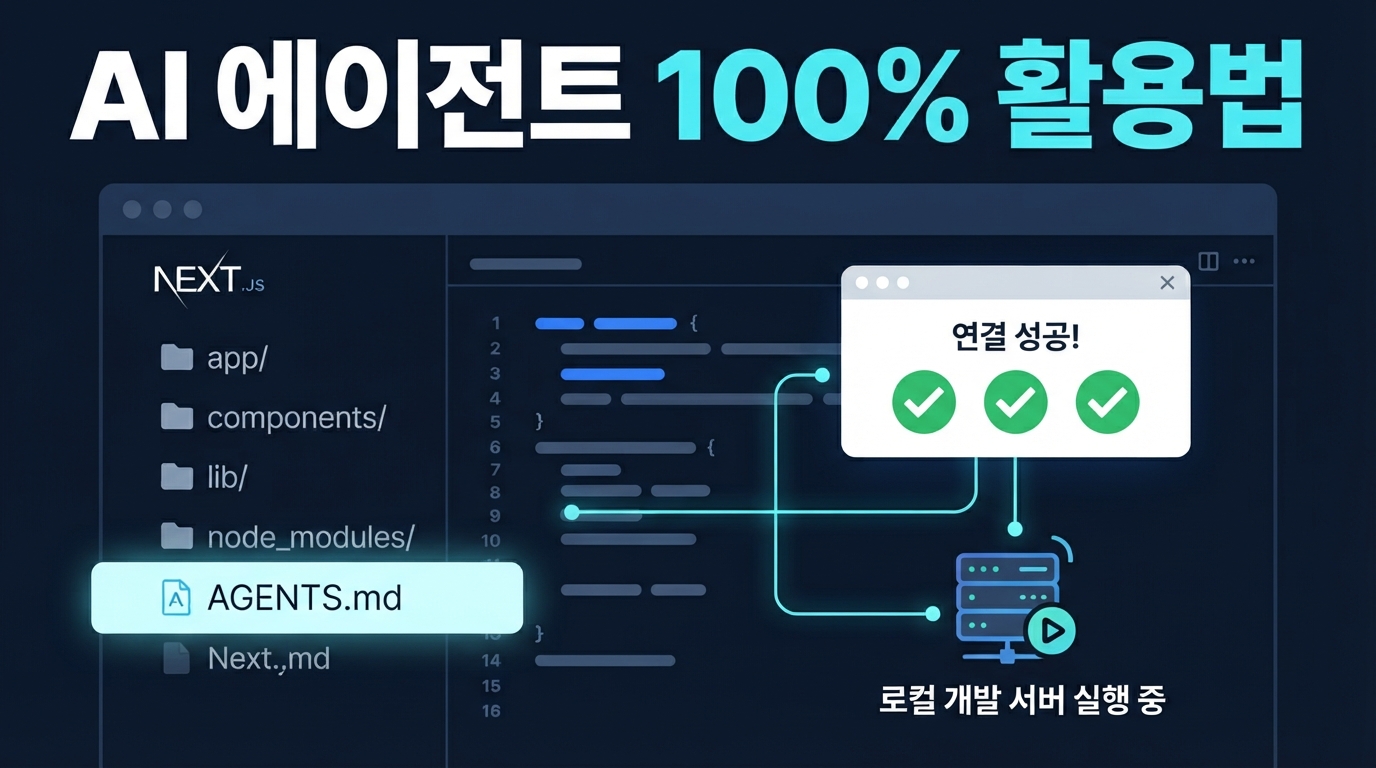
Next.js와 AGENTS.md — AI 에이전트가 내 웹 앱을 100% 이해하게 만드는 법
AI 코딩 에이전트가 내 프로젝트의 규칙이나 설정을 제대로 몰라 엉뚱한 코드를 짜준 경험이 있으신가요? 최근 버셀은 이러한 한계를 해결하기 위해 프로젝트 정보를 에이전트에게 확실히 알려주는 가이드북 규격인 AGENTS.md를 제안했습니다. 내가 만든 Next.js 웹 앱을 AI 에이전트 친화적으로 최적화하고, 답답한 개발 흐름을 매끄럽게 바꾸는 가장 쉬운 방법을 소개해 드립니다.
AGENTS.md가 필요한 이유: AI 에이전트를 위한 '프로젝트 설명서'
AGENTS.md는 프로젝트 루트 경로에 두는 아주 가벼운 마크다운 파일입니다. 쉽게 말해 Cursor나 Claude Code 같은 코딩 에이전트가 내 프로젝트의 핵심 규칙이나 컨벤션을 파악할 때 가장 먼저 읽어야 하는 '설명서' 역할을 합니다.
버셀이 진행한 평가에 따르면, 프로젝트 루트에 약 8KB 크기의 문서 색인을 담은 AGENTS.md 파일을 항상 제공했을 때 에이전트의 API 테스트 통과율이 무려 100%에 달했습니다. 복잡한 지침을 매번 검색할 필요 없이 핵심 정보가 에이전트의 컨텍스트에 항상 머물러 있으므로 지시 사항을 누락하거나 실수할 확률이 사라진 것입니다.
반면 필요한 순간마다 실시간으로 외부 문서를 알아서 검색해 읽어오게 지시하는 동적 기능은 성공률이 53%에 불과했습니다. 에이전트가 어떤 문서를 찾아야 하는지 판단하고 도구를 실행하는 과정에서 56%의 확률로 호출 자체를 누락했기 때문입니다. 결국 언제든 곧바로 읽을 수 있는 가벼운 파일 하나를 상시 배치해 두는 것이 훨씬 강력하고 확실한 방법입니다.
Next.js 16.2 버전부터는 이 과정이 훨씬 더 쉬워졌습니다. 프로젝트를 처음 생성할 때부터 AGENTS.md 파일이 기본으로 템플릿에 포함되며, 공식 문서가 라이브러리 폴더 안에 마크다운 형태로 내장됩니다. 덕분에 에이전트는 복잡한 웹 서핑을 하지 않고도 내 프로젝트 버전에 딱 맞는 정확한 기술 문서를 즉시 찾아서 공부할 수 있습니다.
실시간 서버 상태까지 AI에게 공유하기 — next-devtools-mcp
AGENTS.md가 프로젝트의 뼈대와 규칙을 알려주는 가이드북이라면, next-devtools-mcp는 실행 중인 개발 서버의 실시간 상태를 AI 에이전트에게 생생하게 전달하는 연결 다리입니다. 이 도구는 기계와 도구가 데이터를 주고받는 오픈 표준인 모델 컨텍스트 프로토콜(MCP)을 기반으로 작동합니다.
이를 설정하면 Cursor나 Claude Code 같은 코딩 에이전트가 개발 서버의 눈과 귀 역할을 대신하게 됩니다. 현재 발생한 빌드 에러, 터미널 콘솔 로그, 라우트 경로, 서버 액션 정보까지 에이전트가 직접 탐색해 분석할 수 있죠. Next.js 16.2 및 16.3 버전부터 갖춰진 안정적인 AI 지원 아키텍처 덕분에 개발 서버만 켜두면 백그라운드에서 알아서 구동됩니다.
설정 방법은 무척 간단합니다. 프로젝트 루트 경로에 .mcp.json 파일을 만들고 아래 설정을 추가하기만 하면 됩니다.
{
  "mcpServers": {
    "next-devtools": {
      "command": "npx",
      "args": [
        "-y",
        "next-devtools-mcp@latest"
      ]
    }
  }
}
이제 터미널 에러 로그를 직접 복사해서 AI 창에 붙여넣을 필요가 없습니다. 그저 에이전트에게 "지금 내 웹 앱에 왜 에러가 나고 있어?"라고 물어보세요. 에이전트가 알아서 get_errors나 get_logs 도구를 호출해 개발 서버 상태를 뜯어본 뒤, 원인과 정답을 단 몇 초 만에 가져다줄 것입니다.
웹서비스를 AI 맞춤형으로 열어주기: llms.txt 규격
내 로컬 프로젝트뿐만 아니라, 실제로 배포된 웹사이트에 찾아오는 외부 AI 에이전트를 위한 배려도 필요합니다. 버셀이 제안한 에이전트 가독성 명세에 따르면, 웹사이트 루트 경로에 llms.txt나 sitemap.md 파일을 두어 사이트 구조를 마크다운 형식으로 제공하는 것이 좋습니다.
llms.txt는 웹서핑 기능을 가진 AI 에이전트가 웹사이트에 방문했을 때, 무겁고 복잡한 HTML 문서나 그래픽 요소를 일일이 해석하는 대신 핵심 텍스트 정보만 빠르게 파악할 수 있도록 돕는 일종의 'AI용 지도'입니다. 기계가 읽기 편한 웹 서비스를 만드는 가장 간편하고 효과적인 장치인 셈입니다.
실제 프로젝트 루트에 배치하는 llms.txt 파일은 다음과 같이 직관적인 마크다운 구조로 구성됩니다.
# 서비스 이름

> 서비스의 핵심 기능과 목적을 한 문장으로 요약합니다.

## 주요 문서 경로
- [가이드 문서](/docs): 개발자 가이드 및 설정 방법 안내
- [API 레퍼런스](/api): 외부 연동을 위한 상세 API 규격
- [요금제 안내](/pricing): 현재 플랜 정책 및 결제 정보
이 명세는 단순히 파일 하나를 만들어 두는 것에 그치지 않습니다. AI 에이전트가 특정 페이지를 호출할 때 헤더에 마크다운 응답 요청을 담거나 URL 끝에 .md를 붙여 접속하면, 불필요한 레이아웃을 모두 걷어낸 순수한 텍스트 정보를 내려주는 가이드라인도 담고 있습니다. 이렇게 기계와의 소통 장벽을 낮추는 세심한 설계가 앞으로 다가올 웹 개발의 새로운 기준이 될 것입니다.
AI 에이전트와 협업하는 가장 쉬운 방법
지금까지의 웹 개발이 사람에게 보기 좋은 화면을 만드는 데 집중했다면, 이제는 AI 에이전트도 이해하기 쉬운 구조를 함께 고민해야 할 때입니다. 거창한 시스템을 새로 만들 필요 없이, 프로젝트 루트에 가벼운 AGENTS.md 파일 하나를 추가하고 MCP 도구를 연결하는 것만으로도 에이전트와의 협업 생산성이 크게 달라집니다. 지금 개발 중인 Next.js 프로젝트에 이 작은 파일 하나를 가볍게 얹어보고, 훨씬 매끄러워진 AI 코딩 흐름을 직접 경험해 보세요!