@haram
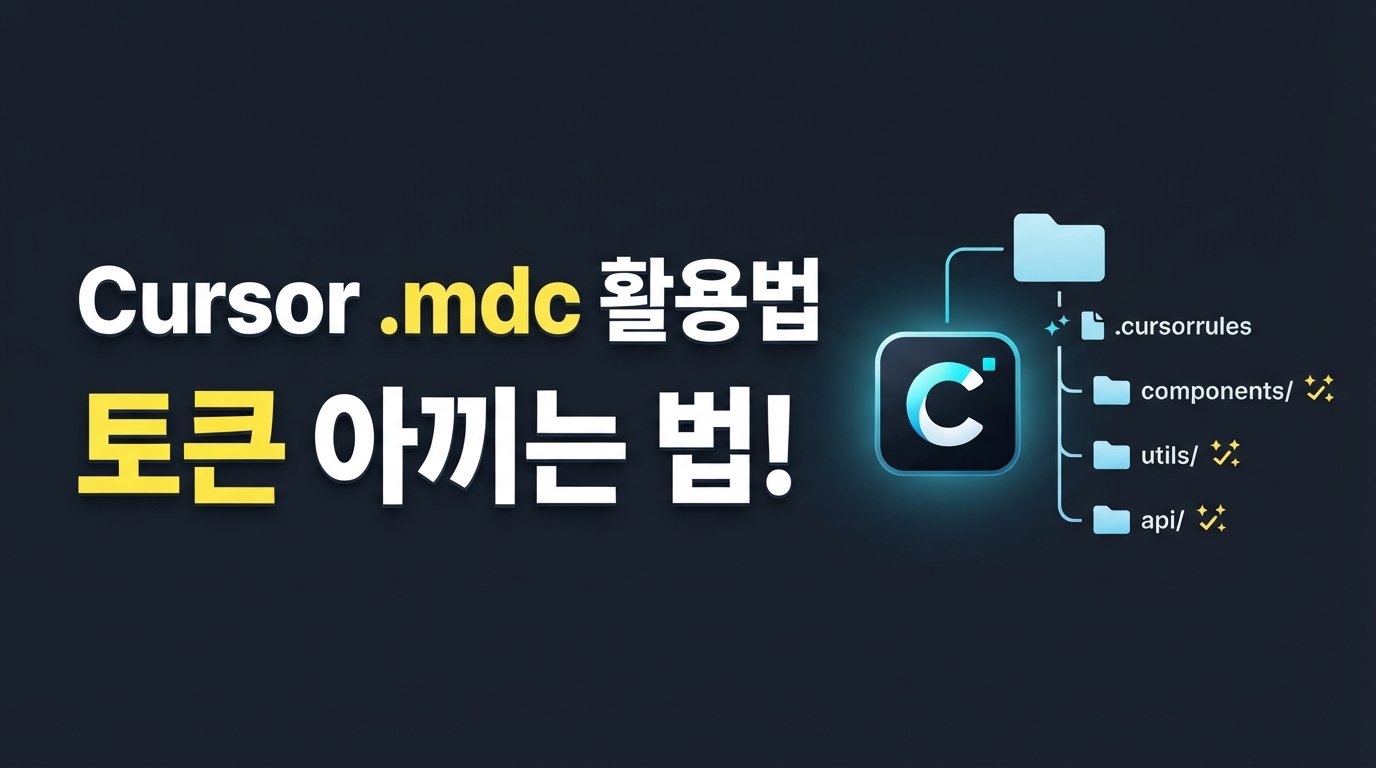
Cursor .mdc 활용법 — 토큰 아끼며 폴더별 맞춤 규칙 적용하는 법
Cursor로 코딩할 때 매번 똑같은 지시사항을 입력하는 번거로움을 줄이려고 규칙 파일을 쓰시는 분들이 많습니다. 하지만 모든 규칙을 파일 하나에 전부 몰아넣으면, 질문을 할 때마다 아까운 AI 컨텍스트 토큰만 무의미하게 낭비되기 쉽습니다.
이제는 폴더와 기능별로 규칙을 가볍게 쪼개어 관리하는 .mdc 파일 방식이 표준으로 자리 잡았습니다. 토큰을 확실히 아끼면서 내가 작업 중인 위치에 맞춤 규칙이 자동으로 적용되는 쾌적한 개발 환경을 만드는 방법을 알아보겠습니다.
항상 적용은 금물 — 토큰 낭비를 막는 '2-4-2 법칙'
Cursor 규칙 파일(.mdc)을 사용해 개발을 자동화하다 보면, 욕심이 생겨 온갖 지시사항을 꼼꼼하게 채워 넣게 됩니다. 하지만 이때 모든 파일의 설정을 alwaysApply: true로 지정하면 큰 낭패를 보기 쉽습니다. 코드를 한 줄 수정할 때마다 Cursor가 프로젝트 안의 모든 규칙을 처음부터 끝까지 읽어 들이면서 엄청난 양의 AI 토큰이 매번 소모되기 때문입니다.
이 문제를 우아하게 해결하기 위해 커뮤니티에서 널리 쓰이는 노하우가 바로 '2-4-2 법칙'입니다. 규칙의 성격과 사용 빈도에 따라 파일을 쪼개어 보관하는 방식입니다.
우선, 프로젝트 전체에 항상 적용할 공통 규칙 2개를 준비합니다. 이는 200줄 이하의 가벼운 크기로 작성하는 것이 핵심입니다. 코딩 스타일 표준이나 핵심 프레임워크 목록처럼 개발 내내 무조건 알고 있어야 하는 기본 가이드에만 상시 적용 옵션을 부여합니다.
다음으로, 특정 폴더나 파일 단위로 알아서 반응하는 조건부 규칙 4개를 설계합니다. 백엔드 폴더나 프런트엔드 컴포넌트 영역처럼 특정 작업을 할 때만 적용되도록 옵션을 꺼두되, 특정 경로 패턴을 등록하여 해당 파일이 열릴 때만 자동으로 불려 오게 만듭니다.
나머지 특수 규칙 2개는 평소에는 작동하지 않도록 완전히 꺼두었다가 수동으로만 활용합니다. 자주 쓰이지 않는 디버깅 팁이나 까다로운 배포 체크리스트 같은 지침이 이에 해당합니다. 평소에는 컨텍스트를 차지하지 않다가, 개발자가 대화창에서 @ 기호를 쳐서 직접 호출할 때만 활성화되는 구조입니다.
이렇게 규칙의 역할을 똑똑하게 나누면 Cursor가 꼭 필요한 시점에만 뇌 용량을 활용하므로, 아까운 토큰 낭비를 확실하게 방지할 수 있습니다.
소리 없이 작동을 멈추는 YAML 문법 오류 잡아내기
규칙을 아무리 열심히 적어도 Cursor가 무시하는 것처럼 느껴질 때가 있습니다. 에러 메시지도 없이 규칙이 조용히 작동하지 않는다면, 십중팔구 파일 맨 위에 작성한 YAML 프런트매터의 사소한 문법 오류 때문입니다.
.mdc 파일은 최상단에 삼중 대시(---)로 감싸진 설정 영역이 완벽하게 작성되어야 작동합니다. 이때 주의해야 할 핵심 규칙은 다음과 같습니다.
- 소문자 불리언 필수:
alwaysApply값은 반드시 소문자true또는false로만 적어야 합니다. 대소문자를 엄격하게 구분하기 때문에 첫 글자를 대문자로 쓴True는 인식하지 못합니다. - 공백 없는 경로 패턴: 적용 대상을 가리키는
globs항목은 공백 없이 쉼표로 촘촘히 연결해야 안전합니다. 공백을 섞으면 파싱 과정에서 파일 매칭이 실패하기 쉽습니다. - 요약 설명의 중요성:
description은 120자 이내의 한 문장으로 핵심을 요약하세요.alwaysApply가 비활성화되어 있을 때, Cursor가 이 설명을 읽고 규칙을 스마트하게 호출하기 때문입니다.
올바른 .mdc 파일의 프런트매터 뼈대는 아래 템플릿처럼 작성하시면 됩니다.
---
description: "React 컴포넌트 작성 시 한글 주석 가이드와 코드 스타일 제어"
globs: "src/**/*.tsx,src/**/*.ts"
alwaysApply: false
---

# React 개발 규칙
- 컴포넌트 파일 생성 시 반드시 한글 주석을 활용합니다.
- 공통 유틸리티는 `@/shared/utils` 경로에서만 불러와 사용합니다.
이렇게 최소한의 문법만 제대로 지켜도 규칙이 꼬이거나 무시되는 일 없이 쾌적하게 자동 맞춤 규칙을 활성화할 수 있습니다.
가장 가까운 규칙이 이긴다: 폴더별 오버라이드와 로드 순서
Cursor는 현재 작업 중인 파일과 가장 가까운 곳에 있는 규칙 폴더를 최우선으로 적용합니다. 예를 들어 백엔드 폴더의 서비스 파일을 수정하고 있다면, 프로젝트 루트에 있는 범용 규칙보다 백엔드 폴더 내부 규칙이 먼저 작동하는 식입니다.
이렇게 더 구체적인 하위 폴더의 규칙이 상위 폴더 규칙을 자연스럽게 덮어쓰며 병합되므로, 개발 환경을 폴더별로 스마트하게 분할해 관리할 수 있습니다.
만약 동일한 폴더 안에서 여러 규칙이 동시에 실행될 때 충돌이 일어날까 봐 걱정된다면 파일 이름 짓는 방식을 정비해 보십시오. Cursor는 같은 폴더 안에서 알파벳 순서대로 규칙 파일을 불러옵니다.
이 로드 순서를 가장 깔끔하게 통제하는 비결은 파일 이름 앞에 숫자를 붙이는 것입니다. 001-base.mdc, 100-frontend.mdc처럼 정렬 순서를 직접 지정해 주면 복잡하게 얽혀 있던 규칙들이 뒤엉키지 않고 개발자가 의도한 순서대로 차례차례 안전하게 로드됩니다.
작고 명확한 규칙이 더 영리한 AI를 만듭니다
모든 지시를 한데 쏟아부은 무거운 규칙 파일 하나보다, 제 역할에만 집중하는 가벼운 .mdc 파일 여러 개가 훨씬 강력합니다. 오늘 정리해 드린 2-4-2 법칙과 디렉터리별 우선순위를 활용해 프로젝트 규칙을 스마트하게 리팩토링해 보세요. Cursor가 불필요한 맥락을 읽느라 헤매는 시간과 토큰이 크게 줄어들어, 훨씬 쾌적하고 직관적인 개발 흐름을 경험할 수 있을 것입니다.