
Haram@haram
AI Frontier
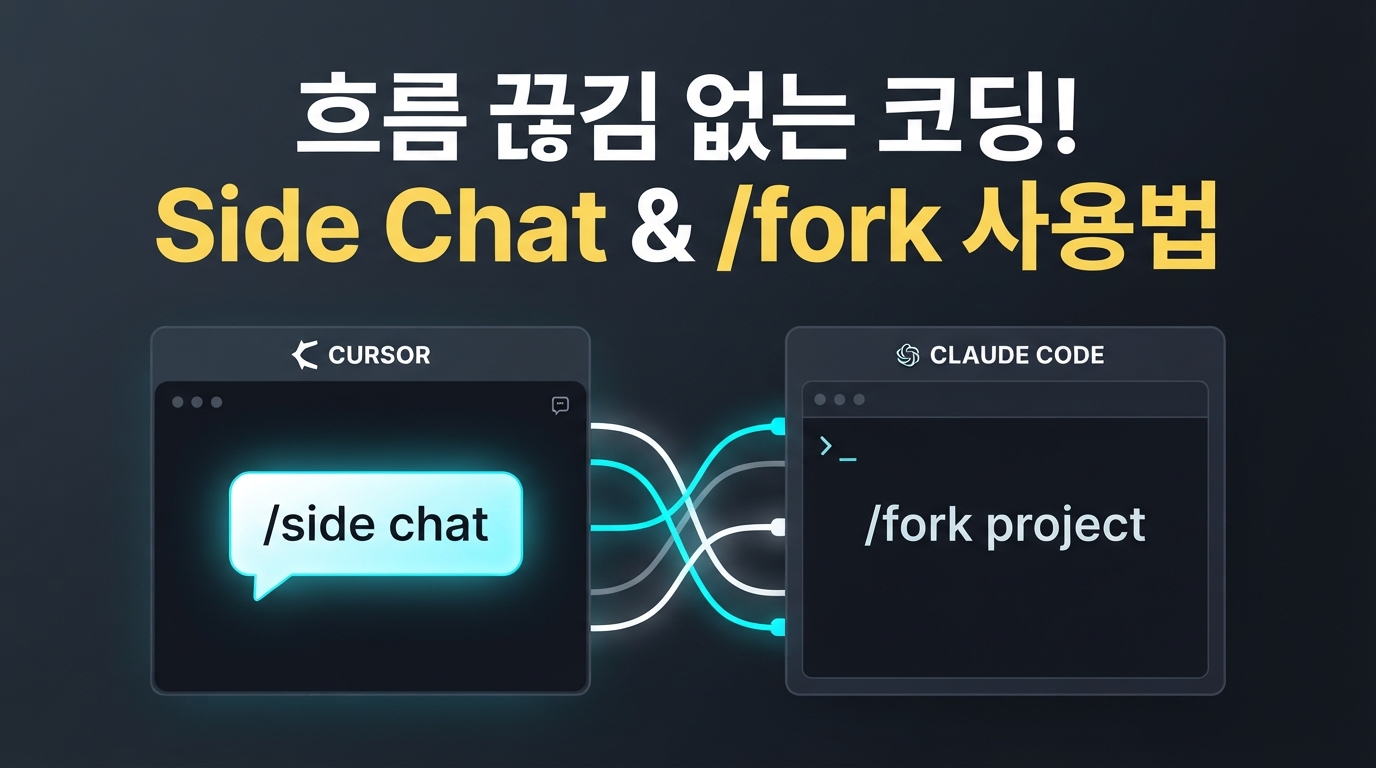
Cursor v3.11 · Claude Code — Coding without flow breaks via Side Chat and /fork
When was the most frustrating moment while using an AI coding agent? It was probably when the agent was in the middle of writing a long piece of code, and a trivial question suddenly popped into your mind, such as "Will the function I just fixed affect other files?" To ask that one question, you often had to stop your hard-earned work or open a new chat window, constantly breaking your development flow.
To address this pain point, in July 2026, leading AI coding tools Cursor and Claude Code both introduced powerful parallel processing features. It’s a smart approach that lets you ask side questions without disturbing your main workflow, or offload heavy tasks entirely to the background.
This update brings us closer to a multi-agent environment where complex tasks can be handled simultaneously without pauses. Here is a summary of how the new features work and how they can boost your productivity.
Cursor v3.11 'Side Chat' — Asking side questions without interrupting your main work
The most eye-catching change in Cursor v3.11 is the 'Side Chats' feature. Simply type /side or /btw inside the agent window, and a sub-chat window intelligently opens, inheriting the full context of your current conversation.
The biggest appeal of Side Chat is that you can safely ask peripheral questions. Unlike the main agent, Side Chat focuses solely on reading and analyzing files without modifying actual code. This allows you to comfortably ask questions like "Will the function I just fixed affect other files?" without stopping the main agent's coding flow.
These aren't just temporary scratchpads. They are permanently saved conversation logs that you can search and revisit at any time. Moreover, you can easily pull the analysis results from Side Chat into your main workflow by using the @ symbol to mention them—it's incredibly convenient.
Claude Code '/fork' — Agents that run in the background even after you close the terminal
Claude Code, the terminal-based AI development tool, has also evolved with a recent update. Starting from version v2.1.212 released in July 2026, the /fork command has been completely revamped.
While the previous /fork simply ran a sub-agent within the current conversation, it now clones the entire context of the current session into a completely independent background process. By utilizing a background daemon system, Claude continues to work silently in the background even after you close your terminal window.
This lets you offload heavy, time-consuming tasks like large-scale refactoring or build testing to the background, while continuing your other coding work in your terminal without losing momentum. The previous feature for running sub-agents within a session has now been separated into the /subtask command, making it much more intuitive to use.
Avoid the Token Bomb! Essential Constraints and Pro Tips
Seeing parallel tasks running as you imagined is thrilling, but it also raises concerns. With agents handling dozens of tasks simultaneously, you might inadvertently trigger a 'token bomb' or receive a massive API bill.
Fortunately, Claude Code has implemented strong safeguards to prevent infinite loops and token waste. They’ve introduced strict caps, limiting web searches and sub-agent creation to a maximum of 200 per session. This helps keep your wallet safe from unexpected agent runaway.
There is also news of a critical bug fix to ensure safer operations. Previously, there was a risky vulnerability where resuming a paused background agent session would lift previously set tool usage restrictions. However, the recently released v2.1.216 patch ensures that even when a session is resumed, your original tool usage limits and prompt rules are thoroughly restored. We highly recommend updating before use to prevent unexpected permission leaks.
Finally, here is a small tip useful for real-world work. If you run the claude agents command in your terminal, you can see all current background sessions at a glance. Just keep in mind that there isn't a filtering feature for projects or folders yet, so the list might look a bit cluttered if you are a developer handling multiple repositories at once!
Which parallel agent usage method is right for you?
If you are unsure which tool to try first, choose based on your development style and the nature of your tasks.
If you like working intuitively while directly checking the code, Cursor's Side Chat is a great starting point. It is extremely convenient for casually throwing out analytical or review-oriented questions like "How will the code I just modified affect other files?" without stopping your main coding.
On the other hand, if you prefer a terminal-centered environment and want to run large-scale refactoring or complex background tasks, Claude Code's /fork is an excellent choice. Since the agent keeps working even after you close the terminal window, it’s perfect for heavy, time-consuming automation tasks.
Moving beyond simple one-way Q&A, AI is evolving into a reliable parallel development partner. Try introducing the method that fits your workflow and take your development productivity to the next level!