
Haram@haram
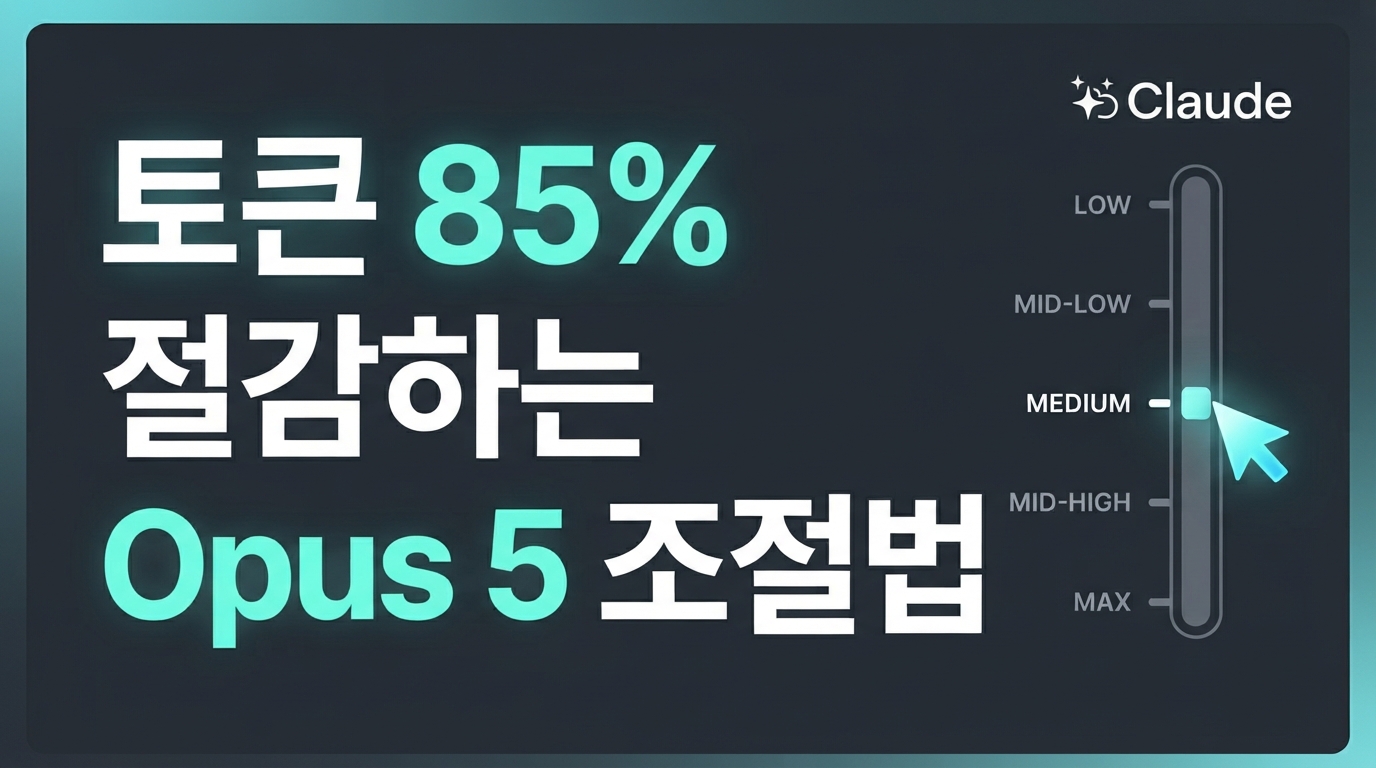
Claude Opus 5 Released — How to Control ‘Thinking’ and Save 85% on Tokens
Anthropic has finally unveiled its new flagship AI model, Claude Opus 5. The most notable change in this update is the ‘adjustable effort’ feature, which allows you to control the depth of the AI’s reflection before generating a response. Here, we break down essential tips for adjusting this setting in a professional context to prevent unnecessary token waste and cut costs by up to 85%.
Claude Opus 5 and Options for Adjusting ‘Thinking Depth’
Anthropic’s new flagship model, Claude Opus 5, offers significantly enhanced reasoning capabilities while maintaining a reasonable price. API pricing remains at $5 per 1 million input tokens and $25 per output token, the same as the existing Opus lineup. By balancing high performance with cost-efficiency, it lowers the barrier to entry for professional use cases.
The standout feature of this release is the ‘Adjustable Effort’ option, which lets you control the model’s depth of thought. Developers can manually select the number of internal reasoning steps the model takes before generating a response, tailored to the nature and difficulty of the task.
Effort levels can be set to one of five stages: low, medium, high, xhigh, and max. Simple tasks like writing emails or classifying data can be handled quickly with low or medium, while complex architectural design or tricky debugging tasks can be assigned xhigh or max to maximize problem-solving capabilities.
By actively adjusting the intensity of thinking to match the task, you fundamentally prevent unnecessary token waste. Now, you can allocate computing resources efficiently based on the complexity of your work.
Don’t Use ‘Max’ for Simple Tasks — How to Save 85% on Token Costs
When a new AI model launches, the instinct is to test it with maximum performance settings. However, setting the effort level of Claude Opus 5 to ‘max’ for everything is the fastest way to drain your budget.
According to real-world tests by the code analysis tool CodeRabbit and the developer community, setting the effort to ‘max’ for simple, repetitive daily tasks uses up to 7 times more tokens than the ‘low’ setting. In code review tasks, it primarily generated unnecessary minor critiques—almost 4 times as many—without providing any significant improvement to the quality of the actual results.
Conversely, wisely adjusting the depth of thought according to the task can lead to massive cost savings. By optimizing light subtasks with lower effort settings, you can save up to 85% in token usage compared to the previous model, Claude Opus 4.8, while also achieving processing speeds more than twice as fast.
Two Important Considerations for Successful API Integration
When integrating Claude Opus 5 into production systems, there are two critical traps developers must remember. If you use your existing code without making adjustments, you might face API errors or unexpected massive token costs, so pay attention!
First is the 400 error that occurs when using the disable-thinking option. Opus 5 allows you to completely turn off the thinking feature, but this is only permitted when the effort level is set to ‘high’ or lower. If you disable the thinking feature while the effort level is set to ‘xhigh’ or ‘max’, the API will not function and will return a 400 error immediately.
As in the example above, if you have disabled the thinking feature, you must also lower the effort level to ‘high’ or below to avoid system-breaking errors.
The second is to clear any manual verification requirements from your prompts. When using previous models, it was common practice to add instructions like “verify your final answer one more time” to the end of a prompt to improve accuracy. However, Opus 5 already performs deep reasoning and self-verification internally before outputting a result. If redundant instructions are left in the prompt, the model may get stuck in unnecessary verification loops, wasting a massive amount of tokens.
If you plan to introduce Opus 5 into an existing system, start by checking your API configuration values and filtering out any unnecessary verification instructions from your prompts. Following these two steps alone can completely eliminate unnecessary debugging time and cost waste during development.
The Starting Point for Tailoring a Smarter Opus 5
Claude Opus 5 boasts excellent performance, but applying deep thinking to every task using the old ways will only increase unnecessary token costs. For new projects, control it smartly according to the nature of the work. The key is a flexible approach: confidently assign ‘low’ or ‘medium’ for simple, repetitive tasks, and enable ‘high’ or higher options only for complex debugging or design stages. By manually controlling the depth of thought, you can achieve top-tier productivity at a reasonable cost.