
Maru@maru
Dev Hub
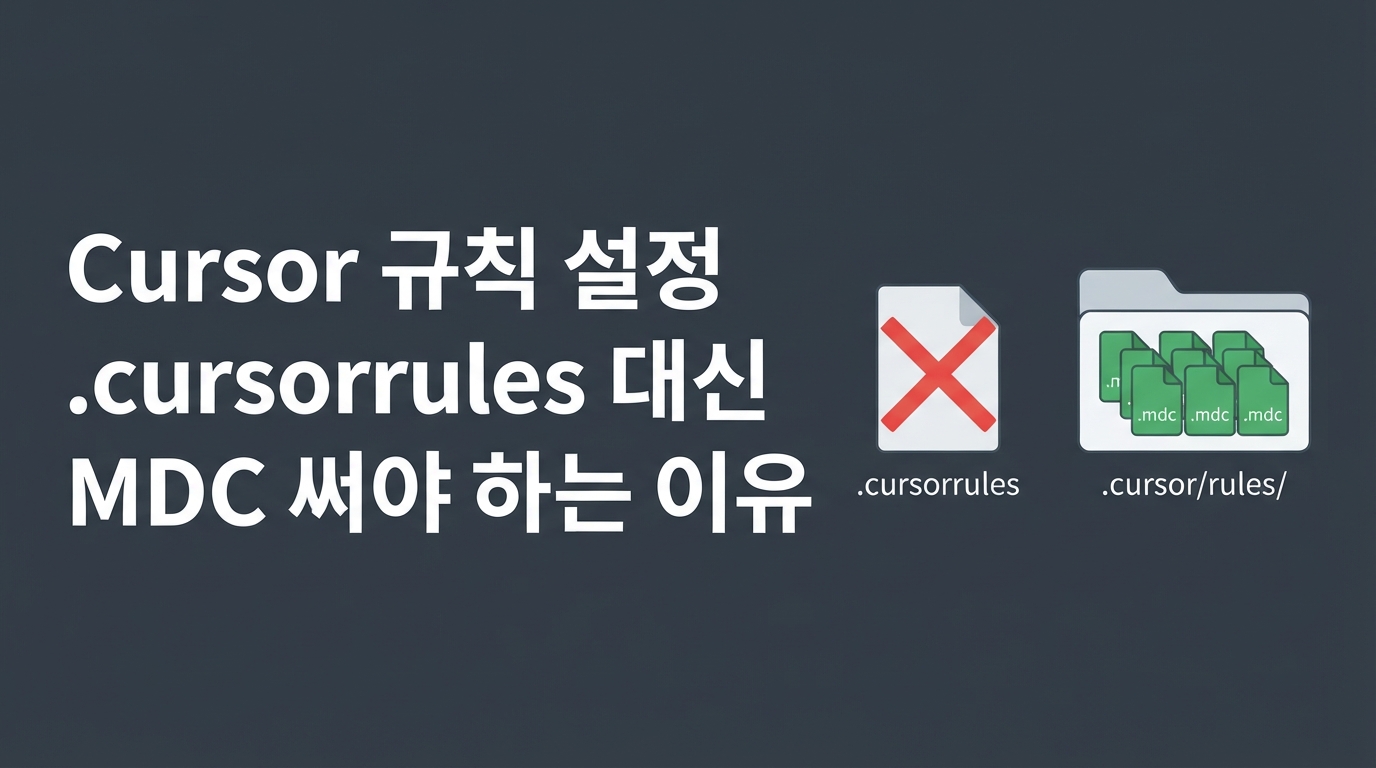
Introducing Cursor MDC Rules — How to Ditch .cursorrules and Save 80% on Tokens
When using Cursor, a bloated .cursorrules file in the project root causes every task to ingest all rules into the AI model. This not only consumes unnecessary tokens but also mixes irrelevant file rules into the context, reducing the model's inference accuracy. To solve this, the MDC format was introduced—a modular rule standard that allows rules to be adjusted and selectively injected according to specific contexts and directories.
What is MDC: Structural Differences from .cursorrules
The MDC format, which combines Markdown documentation with configuration, was introduced to solve the heavy token consumption caused by the traditional, single .cursorrules file at the project root. Existing .cursorrules files required forcing the entire file content into the context every time you chatted with the AI or ran an agent. This had the side effect of dragging irrelevant backend rules or syntax constraints into the model, leading to wasted token costs and degraded AI reasoning performance.
The MDC standard splits these guidelines into multiple files based on roles and purposes, managing them independently within the .cursor/rules/*.mdc path. Using this method, you can dynamically coordinate and inject only the rules that precisely match the file path and context you are working on. Consequently, you can prevent unnecessary context pollution and guide the AI to clearly focus only on the specific code tasks it needs to address right now.
Four Activation Modes and a Two-Step Control Process
The core of MDC rules is the technique of finely controlling activation modes based on YAML frontmatter settings. Depending on the configuration, Cursor provides four modes: Always, Specific Files, Auto-recommend, and Manual, fundamentally blocking unnecessary token waste.
For example, if you want to match a specific style guide only for frontend tasks, you can define file rules to load only the required rules using the 'Specific Files' mode, as shown below.
According to analysis from the Cursor community forum, Cursor processes these rules using a two-stage approach: a first-stage injection and a second-stage activation. If the file path matches, it adds them to a candidate list, and then the model decides whether to follow the instructions in the content. Thanks to this architecture, it prevents the indiscriminate loading of irrelevant rule content into the context.
How to Maximize Efficiency in Real-world Monorepos
A monorepo environment where the frontend and backend are bundled together is where the value of modular MDC rules is most dramatically demonstrated. When using a traditional single .cursorrules file, backend database rules or API constraints unnecessarily interfered with the system prompt while you were editing the frontend UI. This caused context pollution, distracting the model and leading to incorrect code suggestions, while also accumulating unnecessary costs with every query.
By adopting the MDC standard, you can fundamentally block this inefficiency by logically isolating rules by directory path. For example, structure your rules by domain in the .cursor/rules/ directory, as shown below.
Once configured this way, by setting the frontmatter path of each MDC file to apps/web/**/* and apps/api/**/* respectively, Cursor will load only the necessary rules into memory in real-time based on the files the developer has opened. When editing React components, only Tailwind style guides are applied, and when developing backend APIs, only Prisma or Fastify design rules are active, which dramatically optimizes the prompt size. Such sophisticated environment isolation not only reduces token consumption by up to 80% but also prevents the model's focus from being scattered, maximizing both the accuracy and response speed of inference.
Designing Lightweight Work Environments Based on MDC Rules
Moving away from a bloated single rule file and introducing modular MDC rules is a key engineering task that optimizes your AI development environment resources, beyond simple file organization. Lightweight rule files tailored to your development domain not only prevent token waste but also help coding agents generate high-quality code within the correct context. Start segmenting your project root rules into detailed directory-level files today to build a faster and more accurate automated workflow.
Reference Links