
Maru@maru
Dev Hub
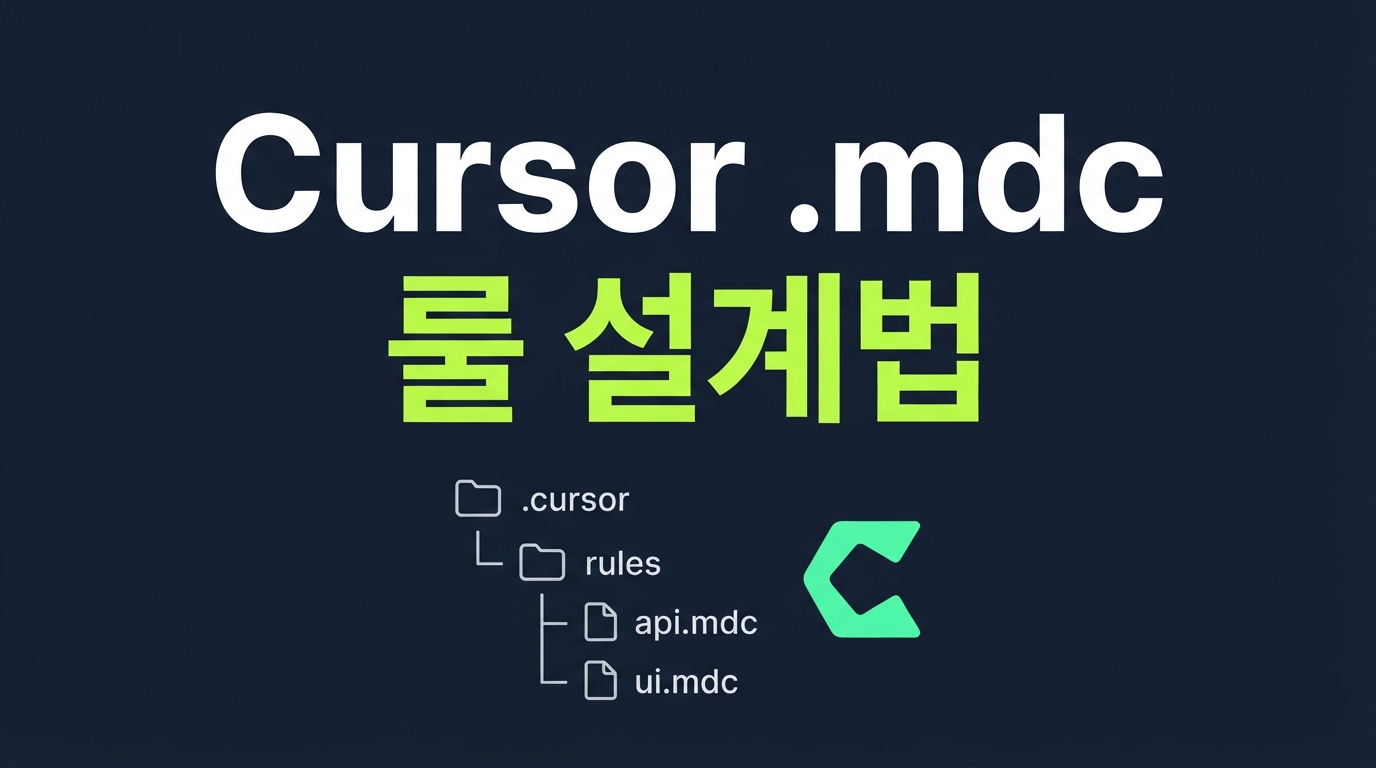
Cursor .mdc Implementation Guide: Reducing Context Waste and AI Hallucinations
The traditional .cursorrules rule, Cursor's single-file-based rule setting method, has become a source of wasted tokens and AI hallucinations as projects grow, as it includes unnecessary rules in the context. To solve this, the new modular standard .mdc system has been introduced, loading only the necessary rules at the necessary time in the development environment. In this article, we look at practical migration methods to convert heavy legacy global rules into highly optimized individual rules, reducing prompt size and maximizing AI inference performance.
Limitations of the traditional .cursorrules and unnecessary token consumption
The legacy .cursorrules approach, which defines only a single rule at the project root, becomes extremely inefficient as the codebase grows. This is because rules from unrelated domains, such as backend database schemas and frontend component design guidelines, are mixed together in one file.
This leads to context corruption, where database-related rules are injected into the prompt even when you are simply modifying a React component style. When irrelevant rules fill the context window, it not only increases unnecessary API token consumption but also clouds the AI model's attention area, reducing inference accuracy and inducing unwanted hallucinations.
Key Mechanism of .mdc Files: YAML-based Conditional Activation
The newly introduced .mdc standard adopts a just-in-time loading approach that separates individual rules into multiple files and calls only the necessary rules in real-time according to the situation. When a developer creates individual .cursor/rules files inside the .mdc folder at the project root, Cursor reads the settings defined at the top of the file to determine whether to activate the rule itself. This fundamentally prevents unnecessary instructions from being included in the context.
The following is an example of the metadata for an .mdc file configured to automatically apply style rules only to a specific React component folder.
The three fields that play a key role in this setup are description, globs, and alwaysApply. When alwaysApply is activated, the rule is always applied in all situations, whereas in the deactivated state, the rule is automatically loaded only when modifying the file paths specified in globs. If it is a flexible rule not tied to a specific path, the AI agent reads the description directly and analyzes whether it is relevant to the current work context, then adds the rule to the context window itself.
Practical Migration and Rule Design for Monorepos
In actual full-stack projects or monorepo environments, .mdc rules shine through an isolated folder structure. By placing independent rule files suitable for each area in the .cursor/rules/ directory at the project root, Cursor includes the rule in the context only when it matches the defined file pattern.
A representative example of a rule directory configuration for a full-stack project is as follows.
The frontend rule file, react-components.mdc, monitors file patterns such as frontend/src/**/*.tsx and provides UI coding styles or state management guidelines. On the other hand, the backend rule file, prisma-database.mdc, is activated only for backend/prisma/schema.prisma or database access code, defining query optimization and transaction processing methods.
By strictly separating concerns between the frontend and backend in this way, you can prevent database schema rules from encroaching on the context when modifying frontend styles. According to community experience, this structural isolation can reduce unnecessary token waste in large-scale projects by 60% to 80% and significantly improve the accuracy of AI responses.
Conclusion: Lightweight rules make for smarter AI
Providing excessive unnecessary context to an AI model actually degrades its reasoning ability and causes meaningless token waste. This is precisely why you should switch from heavy single-rule files at the project root to modular rule files that are activated just-in-time based on the situation. A lightweight and clearly designed rule set ensures lower AI latency and highly consistent results even in large-scale projects.
I recommend starting the migration gradually, beginning with analyzing existing rule files and separating the context by domain. Smart rule design that intervenes in the right place at the right moment will be the key to maximizing the value of your development tools and taking your development productivity to the next level.
Reference links