
Haram@haram
AI Frontier
Cursor iOS Remote Control Released — Monitor Local Agents from Your Mobile
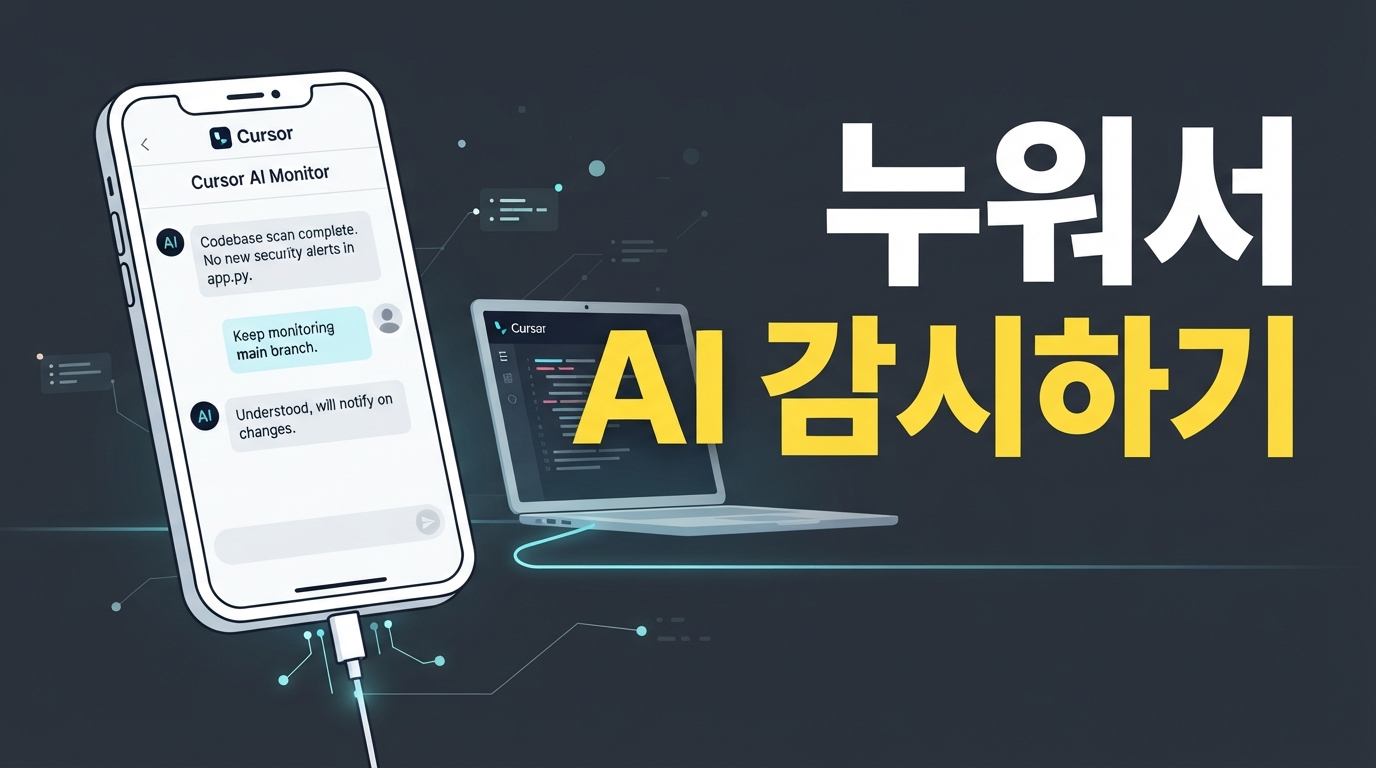
You can now leave your desk with peace of mind while your AI agent handles heavy coding tasks. Cursor, the popular AI editor, has launched a remote control feature that lets you monitor local agents running on your computer and provide feedback in real-time from your smartphone. Officially released on October 6, 2026, this feature allows you to keep an eye on your agent's work right from the palm of your hand, whether you're relaxing in bed or grabbing a coffee.
What is local agent remote control?
Local agent remote control is a feature that streams the real-time status of the AI agent working hard on your computer directly to your smartphone screen. Complex computations and actual code execution happen locally on your PC, while the Cursor app on your phone serves as a smart, secure window to monitor the process.
Since your precious code doesn't need to be uploaded to an external cloud server, you can use it with confidence, free from security leak concerns. Plus, all users except those on the Enterprise plan can use it immediately with default settings, making it perfect for a quick test.
A handy tip to prevent connection drops
What's the most frustrating moment when monitoring a local agent on your mobile? It's when the agent stops working because your computer unexpectedly goes into sleep mode, cutting off the connection. Cursor has provided a very practical setting to prevent this.
The new 'Keep this computer awake' option added to the desktop settings window is the key. According to the official Cursor update notes, simply enabling this keeps your PC from falling asleep during an active remote control session. This allows you to comfortably assign long tasks to your agent, even while you're in bed or away from your desk.
Getting connected is also incredibly easy. There is no need for complex development setups like network port forwarding or tunneling. Just log in with the same Cursor account on both your PC and mobile device, and you're ready to go.
Intervening from bed or a cafe
This feature is most useful when you have long-running agent tasks. It's perfect for when you've started a lengthy build or code generation task on your office computer and want to grab a drink in the kitchen or relax on the living room sofa. With your smartphone in hand, you can easily check the real-time logs of your agent's progress from anywhere in your home.
It’s not just about watching; you can also provide direct input. If your agent pauses during coding to ask a question or requests permission to create a specific file, you can approve it with a single tap on your smartphone screen. It's also very convenient to continue the conversation by typing new instructions directly from your keyboard when needed.
The most comfortable way to work with your agent
You no longer need to stay glued to your computer until the agent finishes writing code. The new remote control feature is a reliable assistant that allows you to easily monitor long tasks from your mobile and intervene instantly whenever necessary.
Download the Cursor mobile app from the App Store now and freely manage the agent working on your computer from the palm of your hand. You'll experience a much more relaxed and convenient daily development routine.