
Haram@haram
AI Frontier
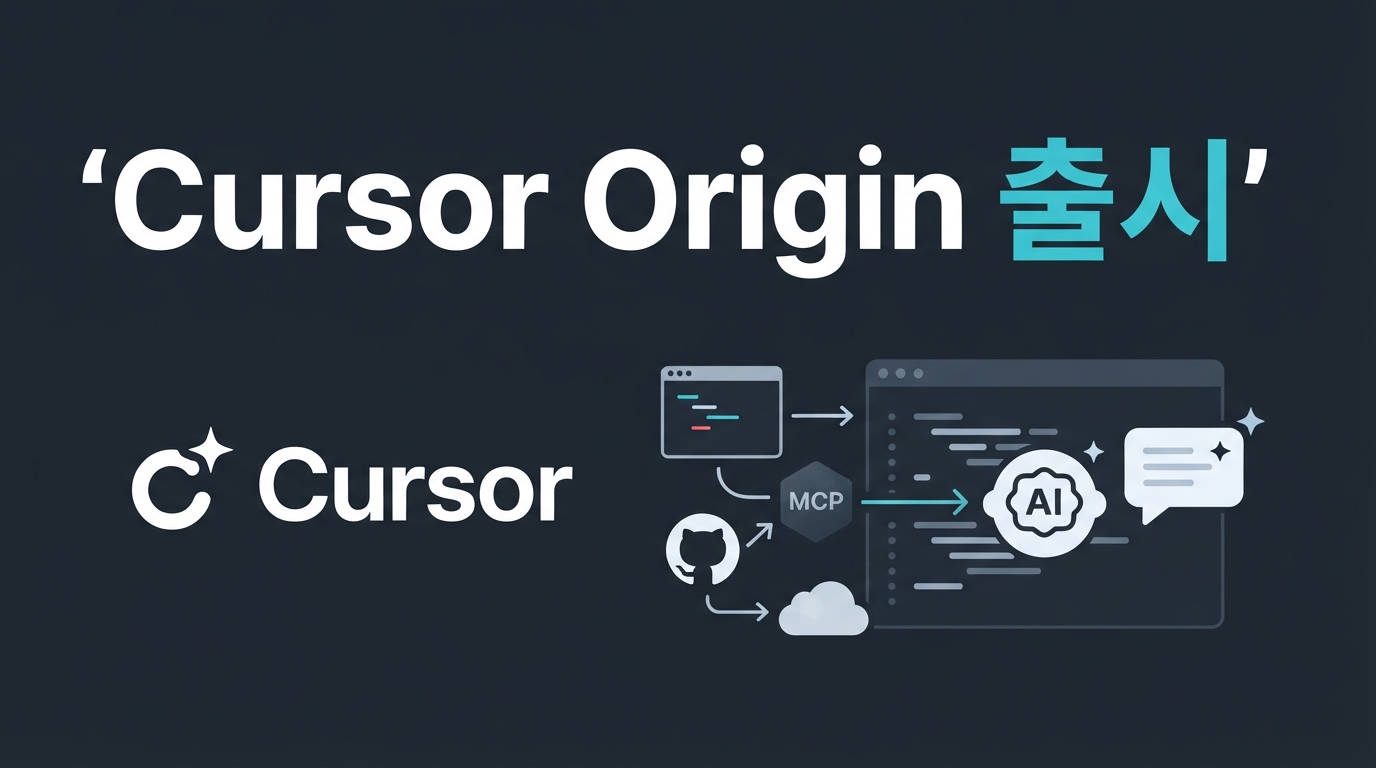
Introducing Cursor Origin — Directly Connect Development Tools to Your AI Coding Agent
Cursor has unveiled the Origin app marketplace, which connects external development tools directly to its AI agent. You can now integrate key dev services like Sentry, Linear, and Vercel right into your agent's workflow within the editor. We take a look at the core of this update, which moves beyond simple code autocomplete to transform the entire development lifecycle.
The Cursor Origin Marketplace: What’s Changed?
While existing AI coding tools focused on in-editor code completion or snippet generation, the Origin marketplace links the AI agent directly to various development services outside the editor.
It enables real-time interaction with external systems for tasks following code generation, such as bug tracking, issue management, and deployment verification. For example, services like Sentry, Linear, Vercel, and Cloudflare can now participate directly in your agent's workflow.
Developers no longer need to switch back and forth between the editor and browser to check status; the agent can view responses from external tools within Cursor and proceed to the next step.
How Dev Tools Talk to the AI Agent
The mechanism for how Origin apps exchange information with the agent is built around webhook events and the Origin API. It is structured so that external services detect the agent's actions in real-time and return analysis results back to the editor.
For instance, if the agent writes new code, CodeRabbit can immediately run an automated code review, or Sentry can catch potential system errors. The results are fed back directly into the Cursor workspace as inspection reports or comments, making it easy for the developer to review.
During this process, apps utilize JWT-based authentication and access tokens to maintain secure integrations. Currently, over 20 early partner tools, including Sentry, CodeRabbit, Cloudflare, and Vercel, are using this structure to communicate organically with the agent.
How to Connect Your Tools to the Cursor Agent
The process for connecting your own development tools or services to the Cursor agent is more intuitive than you might think. Developers can create apps within their workspace namespace, perform thorough private testing, and then request a public review. If you already have existing Agent Skills or GitHub app code, you can use the provided migration plugins to easily convert them into the required structure and permission scopes.
Key integration information for Origin apps consists of manifest settings that define authentication methods and the webhooks to be received.
Once testing is complete, you can toggle the status to public and submit a demo video along with service description tags. After a review process by the Cursor team, it will be officially registered on the marketplace and available for anyone to install.
The Next Step for the AI Coding Agent Ecosystem
The Cursor Origin marketplace demonstrates that the editor is evolving beyond a mere window for writing code into an integrated environment that bundles various development services together.
If you have monitoring or issue tracking services that you use frequently, start by exploring how you might connect them to the AI agent. It could be the perfect opportunity to reduce the hassle of switching between tools and streamline your workflow much more smoothly.