Haram@haram
How to Use ElevenLabs Scribe v3: Transcribe Korean Meeting Recordings and Video Subtitles
Have you ever found yourself re-listening to meeting recordings to take notes or typing out video subtitles line by line? Speech moves fast, but transcribing it manually takes much longer than you'd expect.
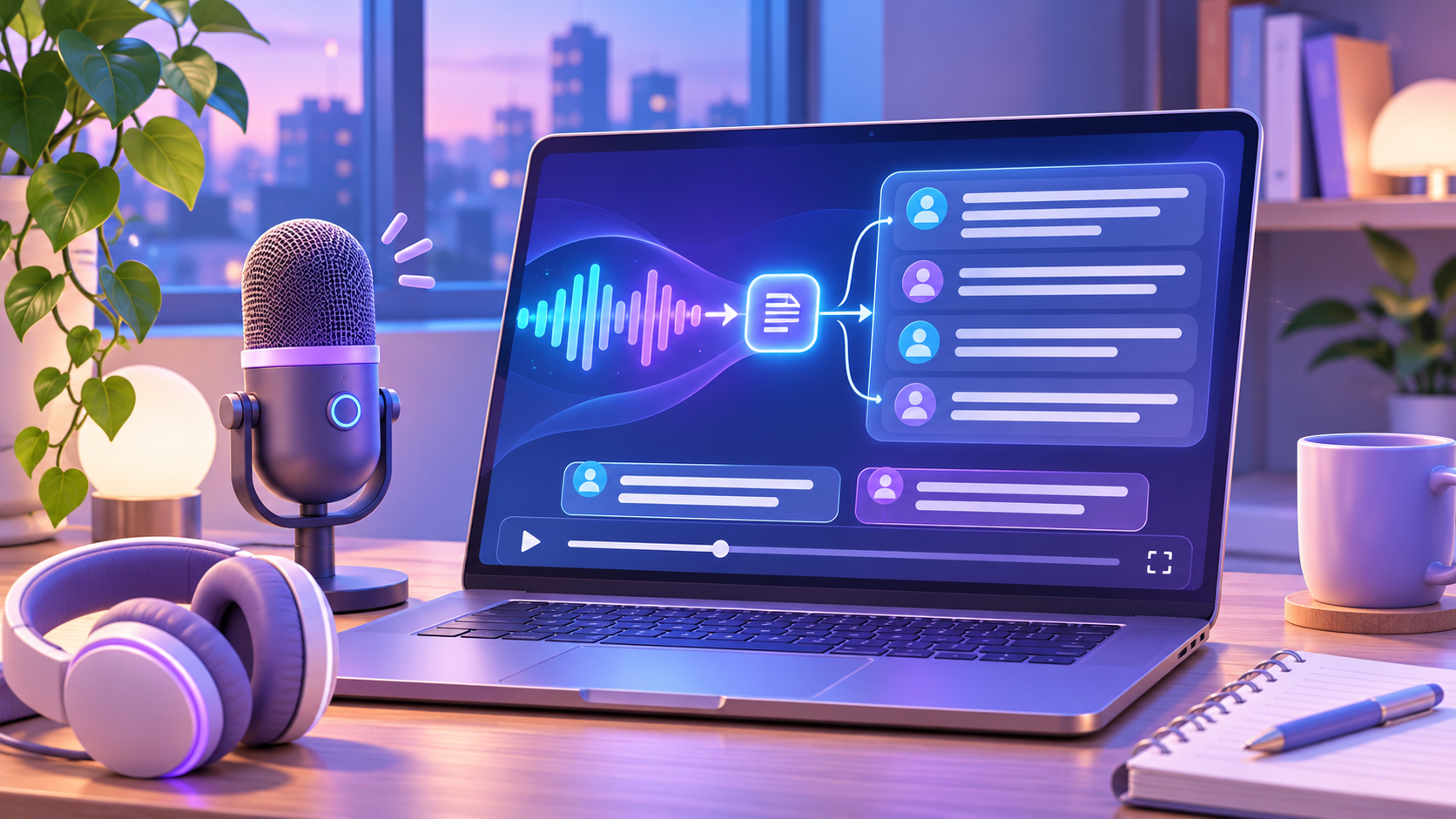
Released on November 10, ElevenLabs' Scribe v3 is an AI model that converts speech from recordings and videos into text. It supports Korean and includes a feature to distinguish between speakers. You can use it to create initial drafts for meeting minutes, interview summaries, and video subtitles.
What You Can Do with Scribe v3
Upload audio files like MP3 or WAV, or video files like MP4 or MOV, and it will convert the spoken content into text. It also uses word-level timestamps and speaker diarization, making it easy to find who said what and when. While the model can distinguish up to 32 speakers, some features may be limited in the free plan.
There is an important distinction: Scribe is a tool for transcribing speech into its original language, not an automatic translator. It will transcribe Korean audio into Korean; if you need subtitles in another language, you will need to translate and proofread them separately.
Steps to Transcribe Meeting Recordings
Open Speech to Text on the ElevenLabs dashboard, select Transcribe files, and upload your audio or video file. If you know the primary language of the recording, select Korean; otherwise, you can use the auto-detect feature. Scribe v3 is provided as the default model for recordings in the app.
Once the upload is complete, click the filename to view the results. You can select specific words to listen to the original audio at that point in time and edit any incorrectly transcribed words or speaker names in the editor. Use the Export button at the top right to download the file in your preferred format.
For meeting minutes, export as text and then organize the action items, responsible parties, and deadlines separately. For video subtitles, export in SRT or VTT format to import them into your editing software. It is recommended to adjust line breaks and timing while playing back the video.
How Much Better Is It Than Previous Versions?
According to ElevenLabs' internal assessments, Scribe v3 showed a 27% lower word error rate (WER) than Scribe v2. This figure is based on their company-standard benchmarking using the FLEURS dataset, which consists of short, clear speech samples across 102 languages.
This means a relative reduction—for example, if the error rate drops from 10% to approximately 7.3%. It does not mean the absolute accuracy increased by 27 percentage points. We cannot guarantee the same level of improvement for Korean meetings with background noise or overlapping speech.
Is It Free to Use?
The official pricing guide indicates that the free plan includes 10,000 monthly credits with limited transcription capabilities. The paid Starter plan is listed at $6 USD per month. Since usage limits vary by plan and credits can be used for other features, check your remaining balance and estimated costs on your account page before uploading.
Product pricing and availability are subject to change, and some advanced options may incur extra costs. It is best to test with a short file to verify the quality and usage consumption before applying it to long recordings.
Practical Tips to Reduce Typos
When recording, try to speak close to the microphone and avoid having multiple people speak at once. Specifying the language before uploading the file makes verification easier. There are features for defining key terms (like product names or people's names), but please check for additional costs before using them.
When reviewing results, compare names, currency amounts, dates, and deadlines against the original audio. Speaker labels are estimates, so you should personally verify the points where speakers change. Even when using transcripts for meeting summaries, it is safer to cross-check important decisions with the original recording.
Real-time Transcription vs. File Transcription
Scribe v3 is a model for processing pre-recorded files, while Scribe v3 Live is a separate model for real-time audio. The live version is provided via API and ElevenAgents, so it is best not to confuse its usage with the file upload screen.
Before uploading meeting or interview recordings, please ensure you have participant consent and have checked your organization's data processing policies. Use transcripts as quick drafts, and always manually proofread sentences and numbers intended for external sharing.
See the official ElevenLabs announcement