@haram
Cursor 'Start from scratch' Released — How to Build a Web App in 5 Minutes Without GitHub
Have you ever felt like the preparation process was too much of a hassle when you just wanted to test a simple idea in your head? It often takes over 15 minutes just to create a local folder, initialize a GitHub repository, and set up the development environment. If it's just a throwaway prototype meant to be built in 10 minutes, this setup phase becomes a major barrier.
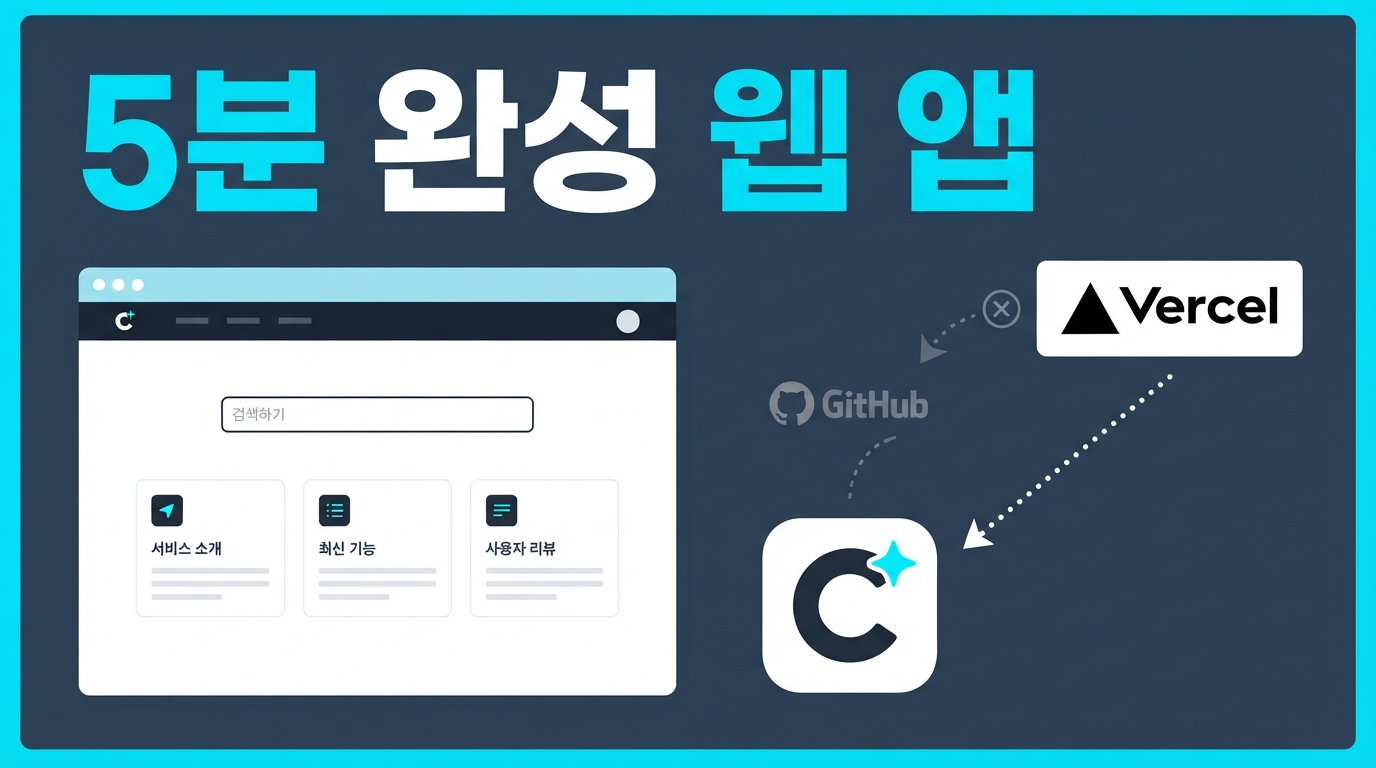
To solve this, the AI code editor Cursor recently released the 'Start from scratch' feature. Now, without complex GitHub integration, you can build a web app and deploy it instantly with just a single prompt, creating the most lightweight workflow possible.
'Repository-less' Prototyping at the Click of a Button
The way this new feature works is very simple. Previously, to use Cursor's Cloud Agent, you had to link a repository like GitHub. Now, even without a repository, you can simply click the 'Start from scratch' button in the Cloud Agent repository selection menu to begin.
Just enter a prompt like "Make me a budget calculator app," and that's it. Cursor immediately creates its own code repository in the background called 'Origin' and starts populating the code. Origin is a proprietary Git repository service that Cursor recently launched in beta.
While the code is being generated, you don't need complex terminal commands; you can simply watch the screen work in real-time. This is because the cloud environment connects directly to your browser, opening a live preview window. The process of testing your web app as it's built is the fastest shortcut to visualizing your ideas.
Deploying a Live URL Quickly via Vercel Integration
Once you've finished a result you're happy with while viewing the preview, it's time to share it with others. When the build is done, you can click the 'Create repo' button that appears on the screen to officially save it to a private Origin repository that only you can access.
You can go a step further. Once you link your Vercel account, you can obtain a unique live web address and deploy instantly with just one click, without ever leaving the Cursor window.
Everything from conceiving an idea to having an accessible website live on the internet is connected by just a few mouse clicks. You no longer need to learn complex server settings or commands—it's a shortcut to visualizing your ideas.
Three Important Precautions Before You Start
While this is a powerful and convenient feature, you should consider a few realistic limitations and constraints before adopting it into your daily workflow or real projects.
First, this feature is not available in the free version. The 'Cloud Agent' and the 'Origin' code repository are exclusive to paid subscribers on Pro, Teams, and Enterprise plans.
Also, the Origin repository is still in its early beta stage. There is no clear policy on how code in these repositories is stored or deleted if you cancel your paid subscription or downgrade your plan. Therefore, for projects you've worked hard on, it is safest to clone them to your local computer after deployment using the git clone command to back them up.
Finally, to use the one-click deployment feature, you must have a Vercel account ready. While the integration process within Cursor is simple, a personal or team Vercel account is essential if you want to get a live URL and deploy your project.
The Easiest Way to Test Your Ideas
A shortcut to visualizing your ideas has opened. Now, without heavy preparation like local settings or GitHub integration, you can build and deploy your own web service with just a single prompt.
Of course, there are realistic limitations to keep in mind, such as paid plan restrictions and code storage methods. However, there is no more lightweight way to quickly bring a concept you've been thinking about to life and see it with your own eyes.
Why not open Cursor this weekend and try deploying your own first web app?