@haram
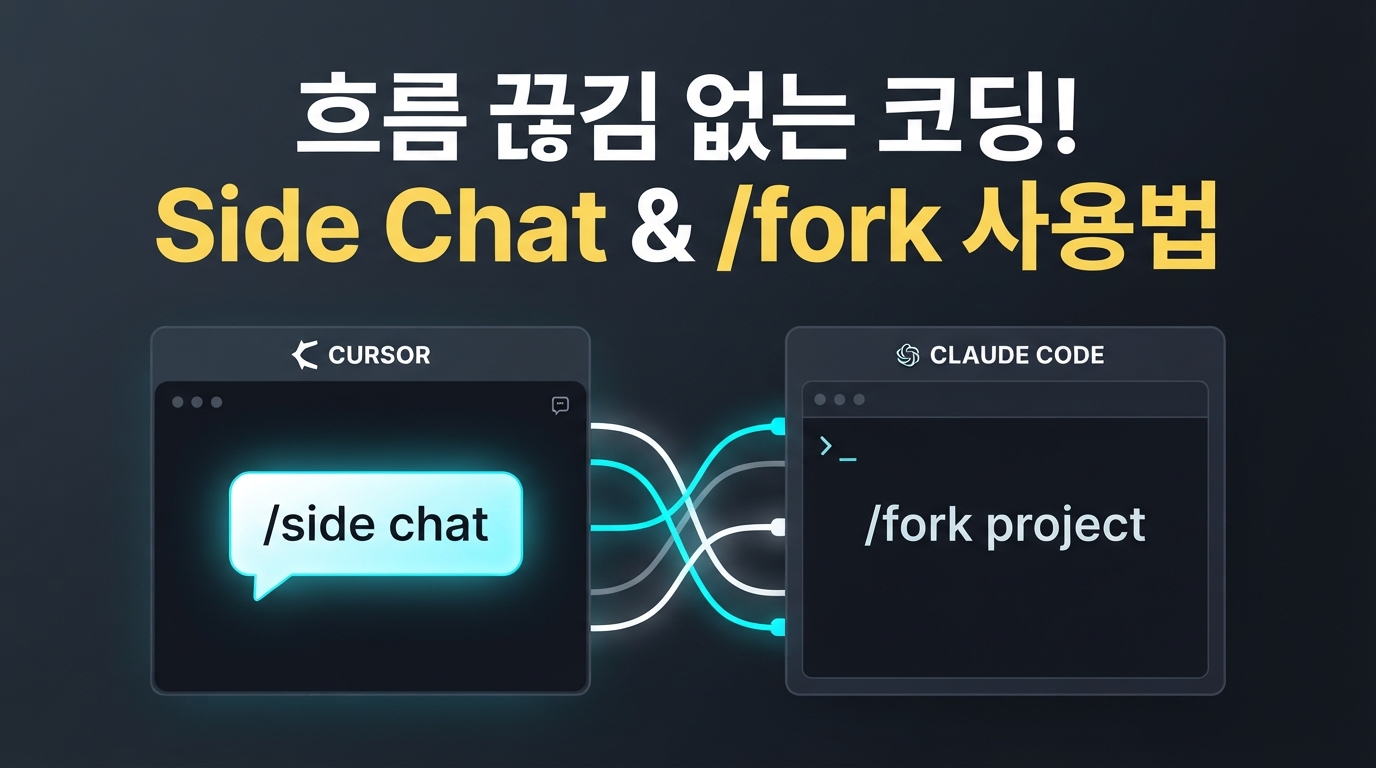
Cursor v3.11 & Claude Code — Seamless Coding with Side Chat and /fork
What is the most frustrating moment when using an AI coding agent? It’s likely when the agent is busy writing a long block of code and a minor question pops up, like, "Will this function I just fixed affect other files?" You’ve either had to pause the work you spent time setting up just to ask a quick question or open a whole new chat window, breaking your development flow.
To address this pain point, in July 2026, leading AI coding tools Cursor and Claude Code simultaneously released powerful parallel processing features. This smart approach allows you to keep your main workflow intact while firing off side questions or running heavy tasks entirely in the background.
This update brings us a step closer to a multi-agent environment where complex tasks can be handled simultaneously without interruption. Here is a summary of how these new features work and how they can boost your productivity.
Cursor v3.11 'Side Chat' — Asking Side Questions Without Interrupting Main Work
The most eye-catching change in Cursor v3.11 is the 'Side Chat' feature. Simply type /side or /btw within the agent window, and a sub-chat window intelligently opens, inheriting the full context of your ongoing conversation.
The biggest appeal of Side Chat is the ability to ask follow-up questions safely. Unlike the main agent, Side Chat does not modify code directly; it focuses solely on reading and analyzing files. This means you can comfortably ask questions like "Will this fix affect other files?" while the main agent is still writing code, without breaking your flow.
These chats aren't just throwaway scratchpads; they are permanently saved for future reference. Furthermore, you can easily pull the analysis results from a Side Chat into your main workflow by using the @ mention in the main window, which is incredibly convenient.
Claude Code '/fork' — Agents That Keep Running in the Background Even After Closing the Terminal
Claude Code, the terminal-based AI development tool, has also evolved. Starting with v2.1.212, released in July 2026, the /fork command has been completely revamped.
While /fork previously just ran a sub-agent within the current conversation, it now clones the entire context of your current session into a fully independent background process. By utilizing a background daemon system, Claude keeps working silently even if you close the terminal window.
# Claude Code v2.1.212+ 터미널 환경
# 명령어를 입력하면 현재 대화 맥락을 통째로 복제한 백그라운드 세션이 시작됩니다.
/fork
This allows you to offload heavy tasks like large-scale refactoring or build tests to the background and continue coding in your terminal without interruption. The existing sub-agent execution feature has been moved to the /subtask command to make things more intuitive.
Stop the Token Bomb! Essential Constraints and Tips
It’s exciting to see parallel tasks running as imagined, but it brings some concerns. With agents handling dozens of tasks simultaneously, you might inadvertently end up with a "token bomb" or a massive API bill.
Fortunately, Claude Code has built-in guardrails to prevent infinite loops and wasted tokens. A strict limit has been introduced, allowing a maximum of 200 web searches and 200 sub-agent creations per session. This helps keep your budget safe from runaway agents.
There is also important news regarding bug fixes that aid in safe operation. Previously, there was a critical vulnerability where tool usage permissions were reset when resuming a paused background agent session. The v2.1.216 patch has fixed this, ensuring that tool usage limits and prompt rules are correctly restored upon session resumption. We highly recommend updating before use to prevent accidental permission leaks.
Finally, here is a small tip for practical use: run the claude agents command in the terminal to view all active background sessions at a glance. Just keep in mind that there is currently no filtering by project or folder, so the list might look a bit cluttered if you are working across multiple repositories.
Which Parallel Agent Approach Is Right for You?
If you're wondering which tool to try first, choose based on your development style and the nature of your work.
If you prefer working intuitively while visually inspecting the code, Cursor's Side Chat is a great starting point. It’s perfect for asking quick analytical or review-oriented questions like "What impact will this code change have on other files?" without stopping your main task.
On the other hand, if you are comfortable in a terminal-centric environment and want to run large-scale refactoring or complex background tasks, Claude Code's /fork is an excellent choice. Since the agent continues working even after closing the terminal, it’s ideal for time-consuming, heavy automation tasks.
Moving beyond simple one-way Q&A, AI is evolving into a reliable parallel development partner. Try incorporating the method that fits your workflow and take your productivity to the next level!