@haram
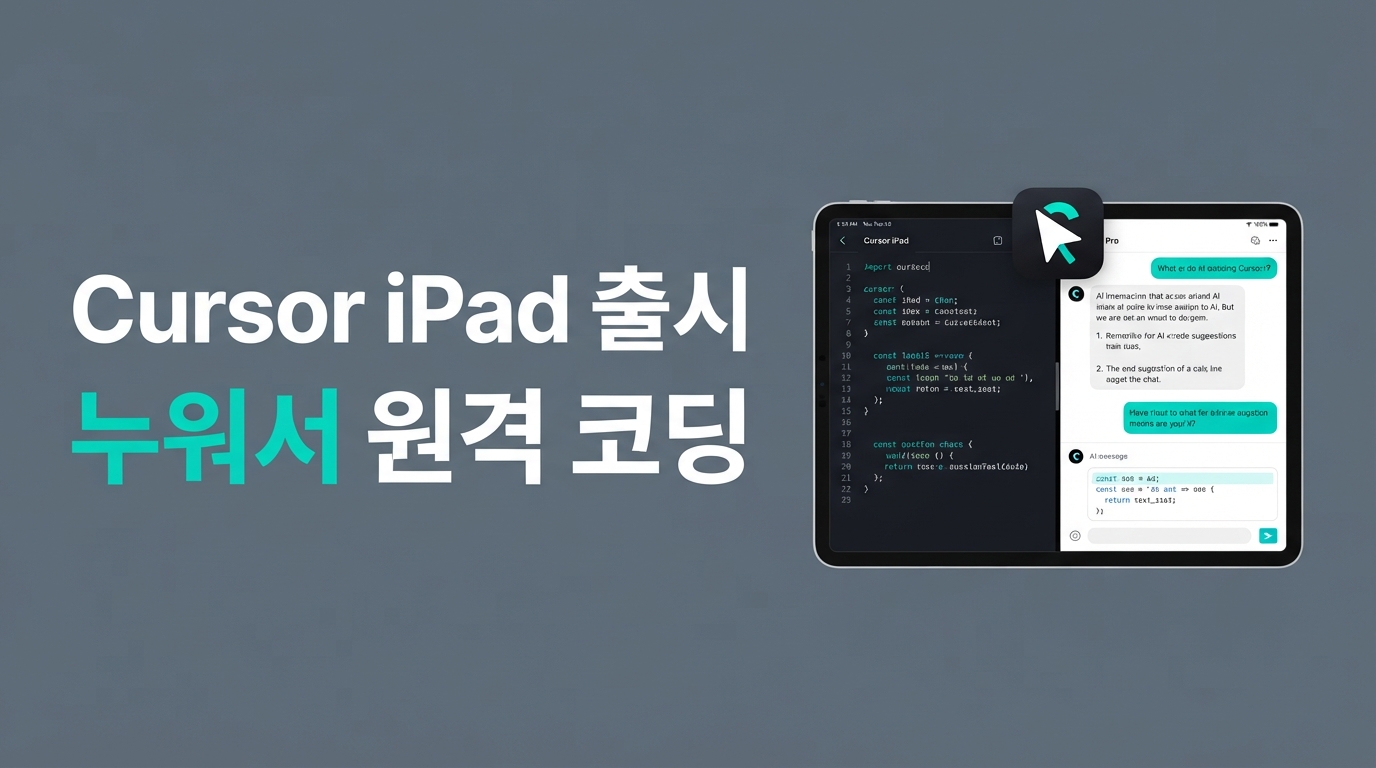
Cursor iPad App Released — How to Code by Remotely Controlling Your Laptop
What if you could control the AI agent on your computer remotely, using nothing but an iPad from a café or your bed? Cursor, the popular AI code editor, has officially released the 'Cursor for iPad' app for paid subscribers worldwide. In this post, we’ll take a practical look at how to monitor multi-agents and code remotely on your iPad, and explore the features of the 'Cursor Start' plan—a budget-friendly tier that has been generating buzz since its release in India.
The Cursor iPad App is Finally Here: What’s Different?
You can finally write code and monitor AI agents directly from your iPad. The newly released iPad app isn't just a mobile viewer that mirrors your computer screen; it has been completely redesigned to make 100% use of the tablet's larger display.
The first change you'll notice is the fixed sidebar layout, which is perfect for keeping multiple AI agent sessions open and tracking their progress at a glance. It also supports a split-screen mode, allowing you to open a file comparison window on one side and a chat window on the other to coordinate tasks in real-time.
Apple Pencil support is a particularly compelling feature. You can capture screenshots of UI glitches or designs you want to fix, circle areas or add notes with your Apple Pencil, and send them directly to the AI agent. The agent uses this image and your handwritten feedback to grasp the visual context and refine the code accordingly.
Additionally, integration with source code management systems like Bitbucket and Azure DevOps is built-in. Since the iPad app is available to all paid subscribers—including both the Start and Pro plans—you can now handle code reviews and agent control easily from a café or while on the go, without the need for a heavy laptop.
The Core of Remote Coding: Waking Up Your Laptop Agent with a Single Command
The most interesting part of this iPad app support is the ability to handle your computer remotely. Cursor provides two ways to do this: 'Cloud Agent' mode and 'Remote Control' mode.
While a Cloud Agent is like 'renting a temporary workspace in the cloud,' remote control acts like 'connecting a remote controller to the high-performance computer on your desk.' This means you don't have to carry a heavy laptop; you can use your iPad from a café or your bed and access your existing development environment and files exactly as they are.
Connecting is very intuitive—just run a single command in your desktop terminal.
# 데스크톱 터미널에서 원격 에이전트 워커 실행하기
agent worker start
Once executed, your computer links to a unique management web address, cursor.com/agents. Now, you can access this address from your iPad while away, issue commands to the standby agent, and watch the work unfold in real-time. It also provides an 'always-awake' toggle to prevent your host computer from entering sleep mode, so you won't have to worry about losing your connection during remote work.
The $7 Deal: What Is the 'Cursor Start' Plan and What Are Its Limits?
Along with the iPad app release, there is other news that has caught the attention of many developers: the 'Cursor Start' plan, introduced at an aggressive price of 649 INR (approx. $7) per month. That is a whopping 65% cheaper than the existing Pro plan.
The secret behind such an affordable rate lies in unique model routing technology. Instead of relying on expensive external APIs from providers like OpenAI or Anthropic, it uses a combination of Cursor’s own Composer 2.5 and Grok 4.5, which significantly reduces the cost of calls. It is a clever bypass strategy that maximizes value.
Unfortunately, for users elsewhere, this remains 'pie in the sky.' The plan is currently aimed exclusively at individual developers in the Indian market, and Cursor strictly blocks bypass sign-ups via VPNs or proxies.
Furthermore, given the low price, the functional limitations are clear. Core Pro features like automation tools, Bugbot, Auto Mode, and the Cursor SDK are all excluded. While it offers great value, if you want full access to advanced agent capabilities, the Pro plan remains the most realistic choice.
Lightweight AI Coding Without a Laptop
You no longer need to carry a heavy laptop to code on the go; you can freely control your computer's AI agent from a café or your bed with just an iPad. With intuitive split-screen layouts optimized for tablets and Apple Pencil support, mobile coding has become much more comfortable. If you're currently a paid Cursor subscriber, download the app now and experience a lighter remote development workflow!